
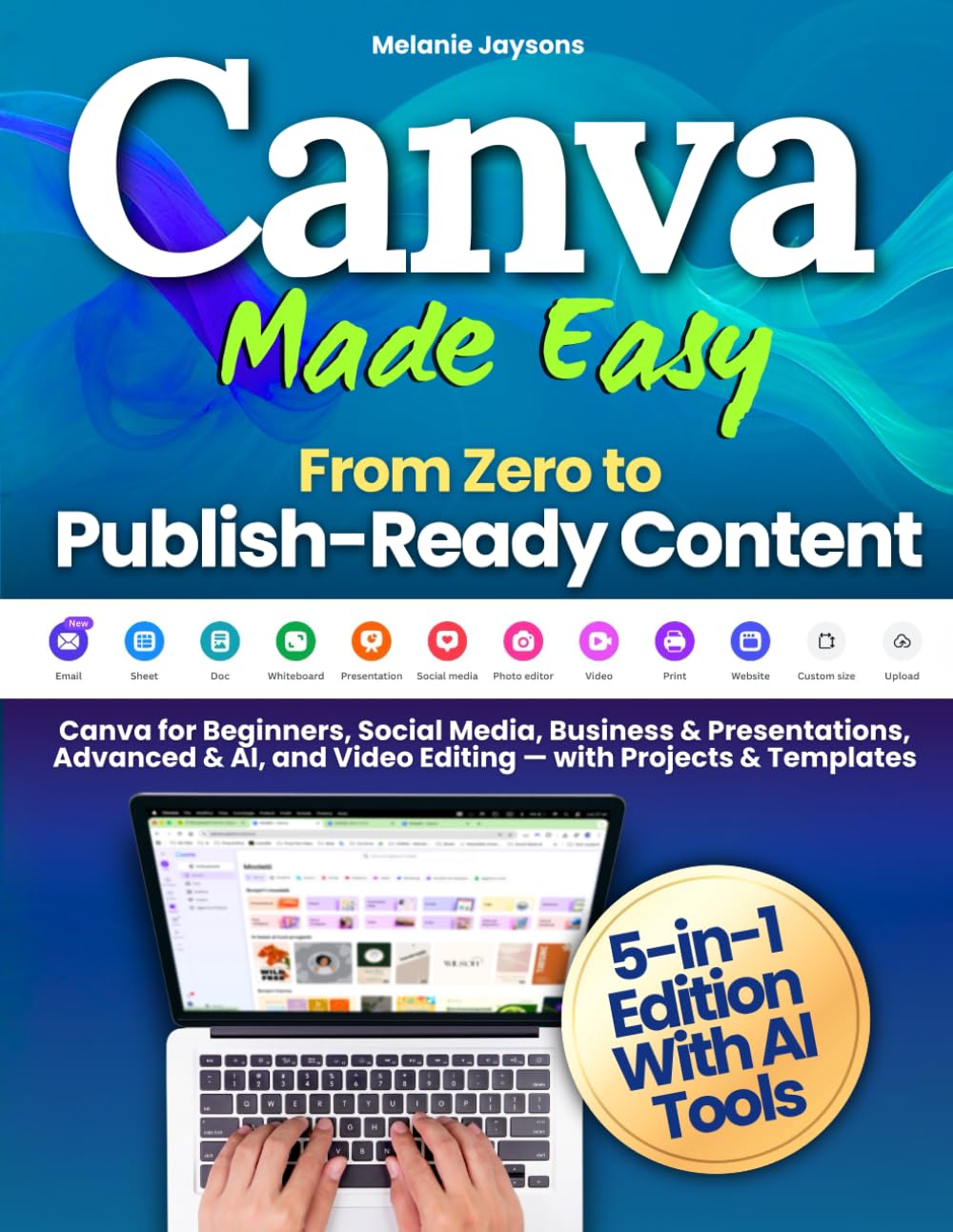
Canva Made Easy - From Zero to Publish-Ready Content: Canva for Beginners, Social Media, Business & Presentations, Advanced & AI, and Video Editing — with Projects & Templates
OVERVIEW
Canva Made Easy - From Zero to Publish-Ready Content: Canva for Beginners, Social Media, Business & Presentations, Advanced & AI, and Video Editing — with Projects & Templates
(as of Mar 19, 2026 14:21:23 UTC –
Details
)

Categories: Books > Computers & Technology > Graphics & Design > Desktop Publishing
ASIN: 1805565516
What customers are saying
Product overview
Do you want to create professional, scroll-stopping designs for your business or brand — without spending years learning design?
Would you love to master Canva once and for all, from simple posts to advanced AI tools and video editing?
Canva Made Easy – From Zero to Publish-Ready Content is a complete 5-in-1 guide designed to help you learn, practice, and create with confidence — guiding you from your very first project to professional, publish-ready results.
You’ll discover how to plan, create, and publish visual content that looks professional, communicates clearly, and fits your goals — all while learning step-by-step through practical projects, guided exercises, and templates ready to use.
📘 Inside the 5 Modules
1️⃣ Canva for Beginners – Learn the fundamentals: interface, typography, color theory, image composition, and layout principles.
✅ Final Project Included: Build your first personal mini brand — complete with logo, color palette, and coordinated posts.
2️⃣ Canva for Social Media – Learn how to design posts that engage and convert on Instagram, TikTok, YouTube, and LinkedIn.
✅ Final Project Included: Create a 30-day content calendar and five ready-to-publish social posts.
3️⃣ Canva for Business & Presentations – Explore branding, storytelling, and professional design for your business. Create brand kits, pitch decks, brochures, and one-page websites.
✅ Final Project Included: Develop your complete Business Starter Kit for consistent, on-brand communication.
4️⃣ Canva Advanced & AI Tools – Discover Canva Magic Studio and AI-driven tools to enhance your creativity, streamline workflows, and scale your content creation.
✅ Final Project Included: Rebrand your visuals using AI features and produce a full set of content variations.
5️⃣ Canva for Video Creation – Learn to edit, animate, subtitle, and export short-form and promotional videos ready for publishing across platforms.
✅ Final Project Included: Produce a complete vertical or promo video optimized for social sharing.
Inside the Canva Bonus Pack Guide
✔️ 30 professional Canva templates (1080x1080 & 1080x1350)
✔️ Complete Business & Brand Kits
✔️ 100 ready-to-use Hooks & CTAs for better engagement
✔️ 30-Day Content Planner for consistent publishing
✔️ Advanced templates for presentations, reports, and websites
✔️ Naming & Workflow Guide to keep your projects organized and efficient
By the end of this guide, you’ll move from beginner to confident digital creator — able to design, automate, and publish visual content that’s cohesive, effective, and ready to share with the world.
Don’t just learn how Canva works — practice, create, and publish with confidence.
👉 Scroll up and get your copy today to start designing content that inspires, informs, and connects.
Publisher : Melanie Jaysons
Publication date : November 7, 2025
Language : English
Print length : 174 pages
ISBN-10 : 1805565516
ISBN-13 : 978-1805565512
Item Weight : 14.9 ounces
Dimensions : 8.5 x 0.4 x 11 inches
Best Sellers Rank: #57,352 in Books (See Top 100 in Books) #2 in Desktop Publishing #13 in Social Media for Business #17 in Social Media Guides
Customer Reviews: 4.7 4.7 out of 5 stars (204) var dpAcrHasRegisteredArcLinkClickAction; P.when('A', 'ready').execute(function(A) { if (dpAcrHasRegisteredArcLinkClickAction !== true) { dpAcrHasRegisteredArcLinkClickAction = true; A.declarative( 'acrLink-click-metrics', 'click', { "allowLinkDefault": true }, function (event) { if (window.ue) { ue.count("acrLinkClickCount", (ue.count("acrLinkClickCount") || 0) + 1); } } ); } }); P.when('A', 'cf').execute(function(A) { A.declarative('acrStarsLink-click-metrics', 'click', { "allowLinkDefault" : true }, function(event){ if(window.ue) { ue.count("acrStarsLinkWithPopoverClickCount", (ue.count("acrStarsLinkWithPopoverClickCount") || 0) + 1); } }); });
Technical details
RELATED PRODUCTS
REVIEWS
Reviews
There are no reviews yet.