
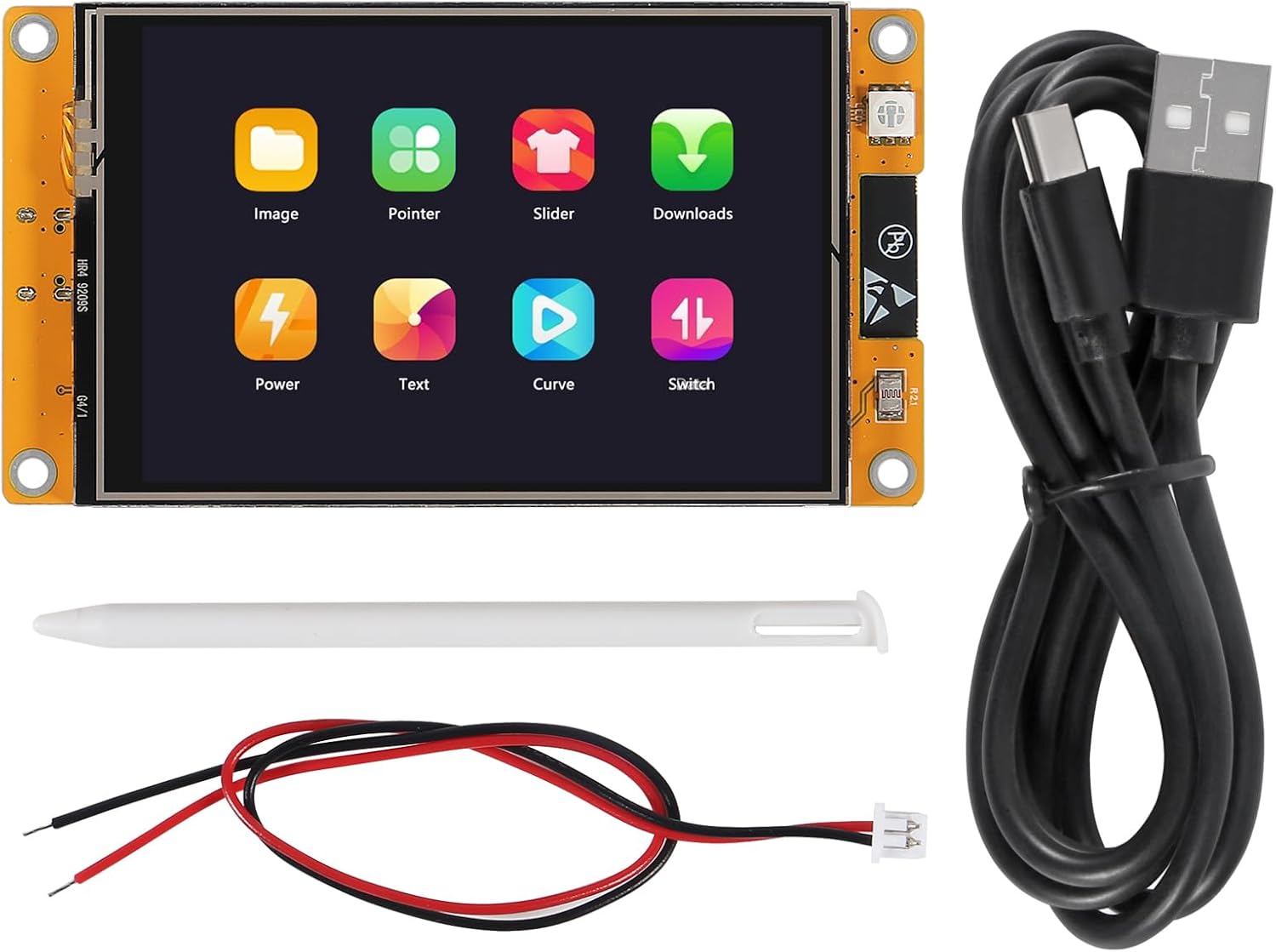
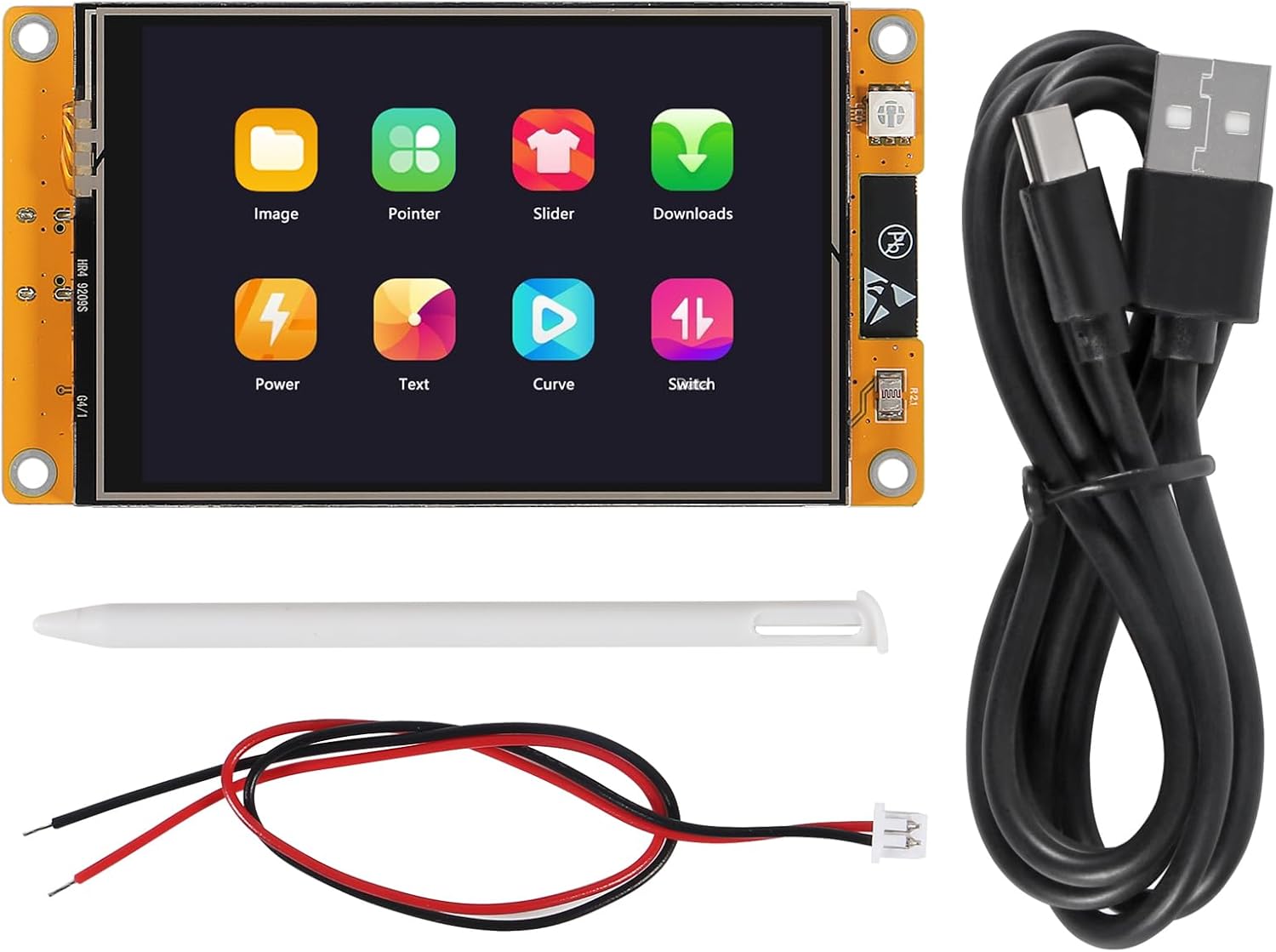
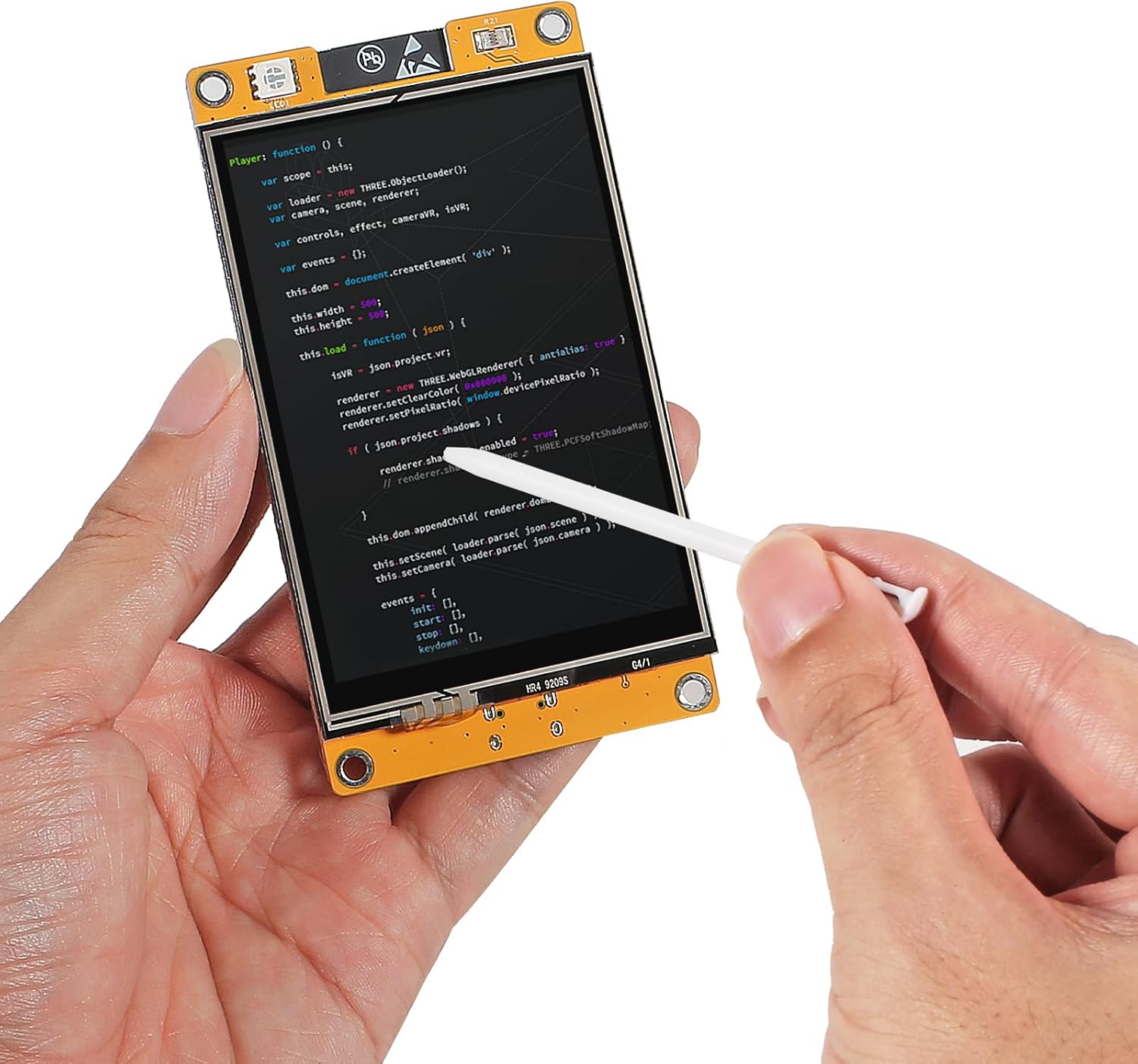
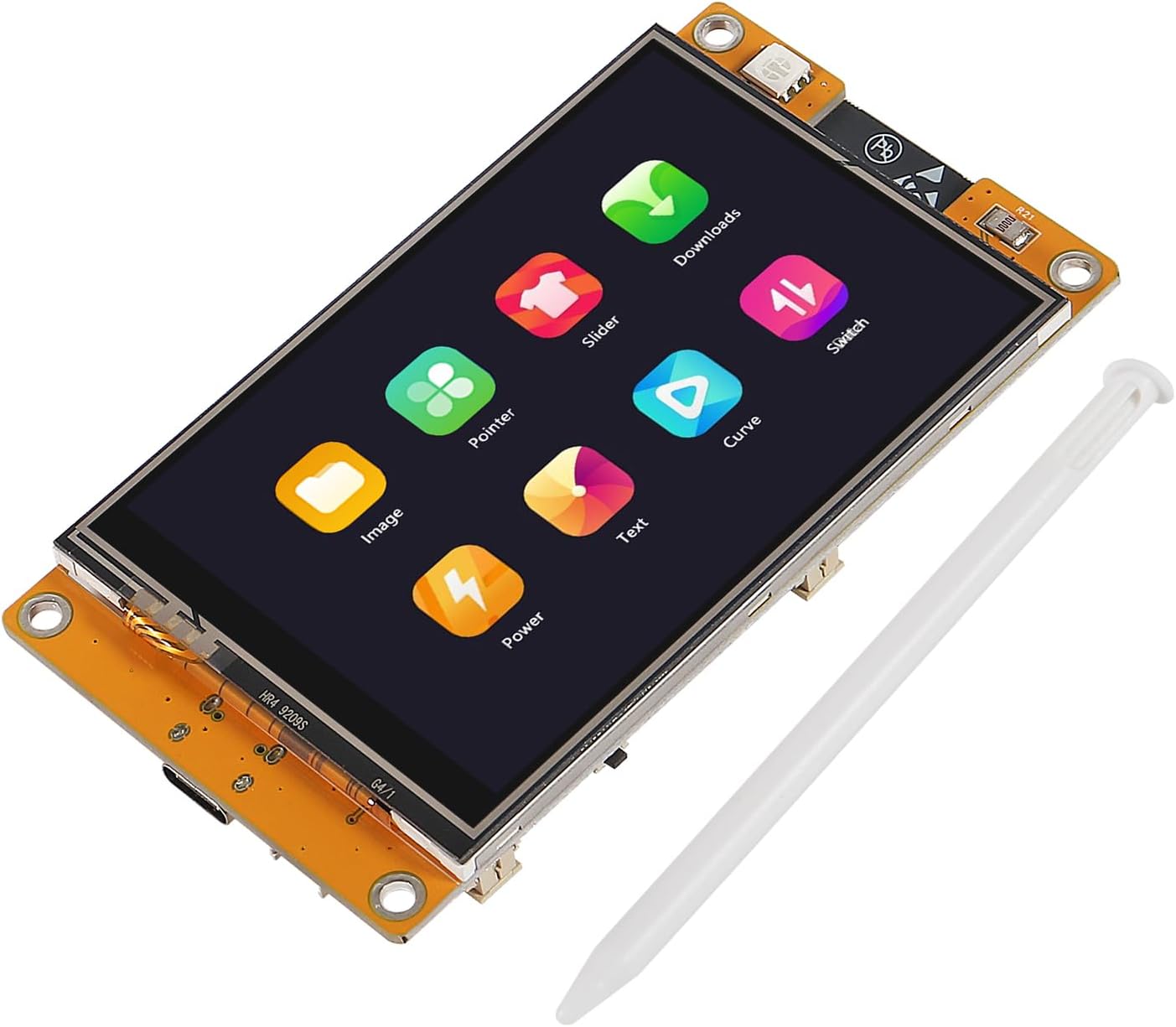
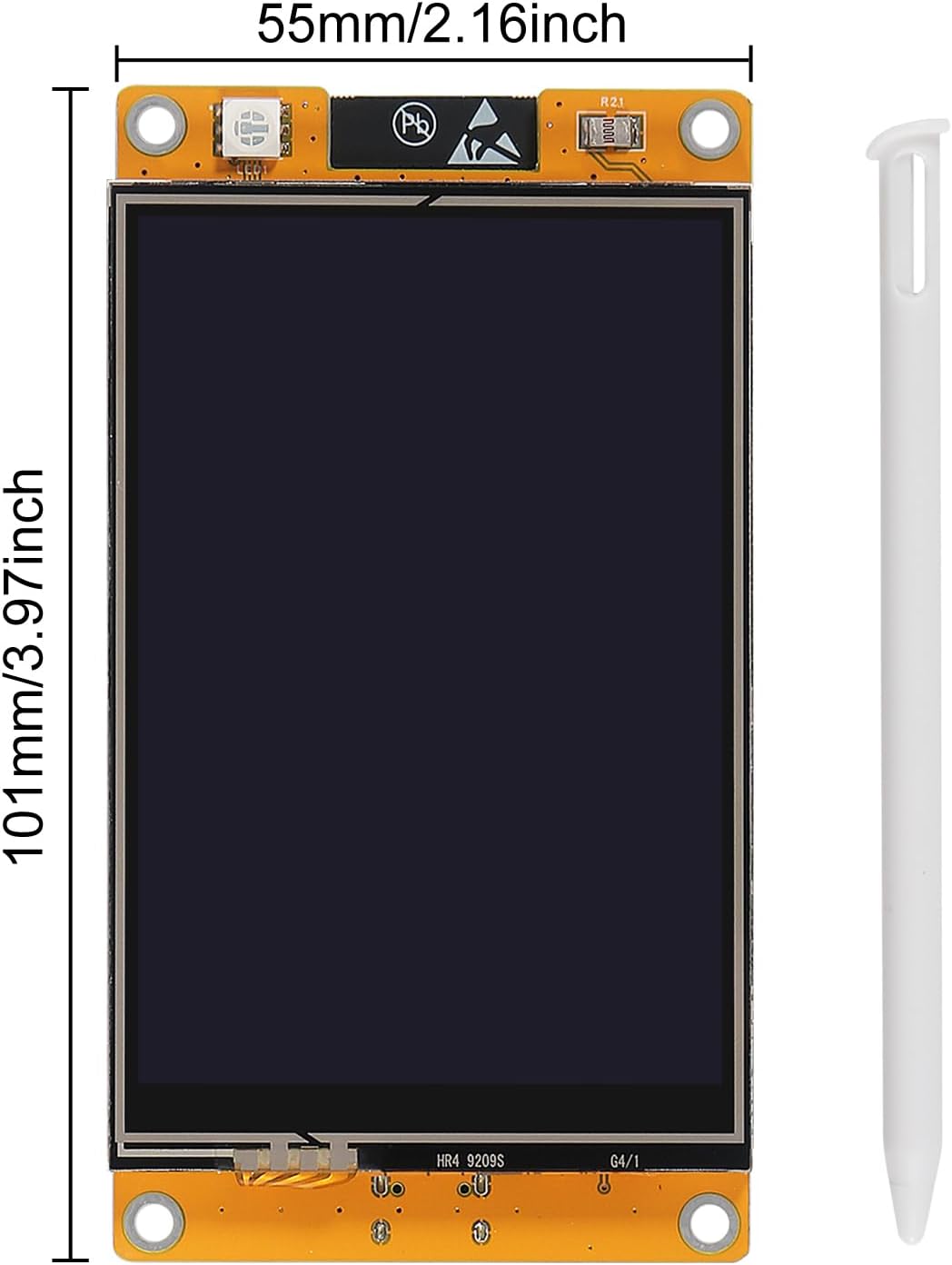
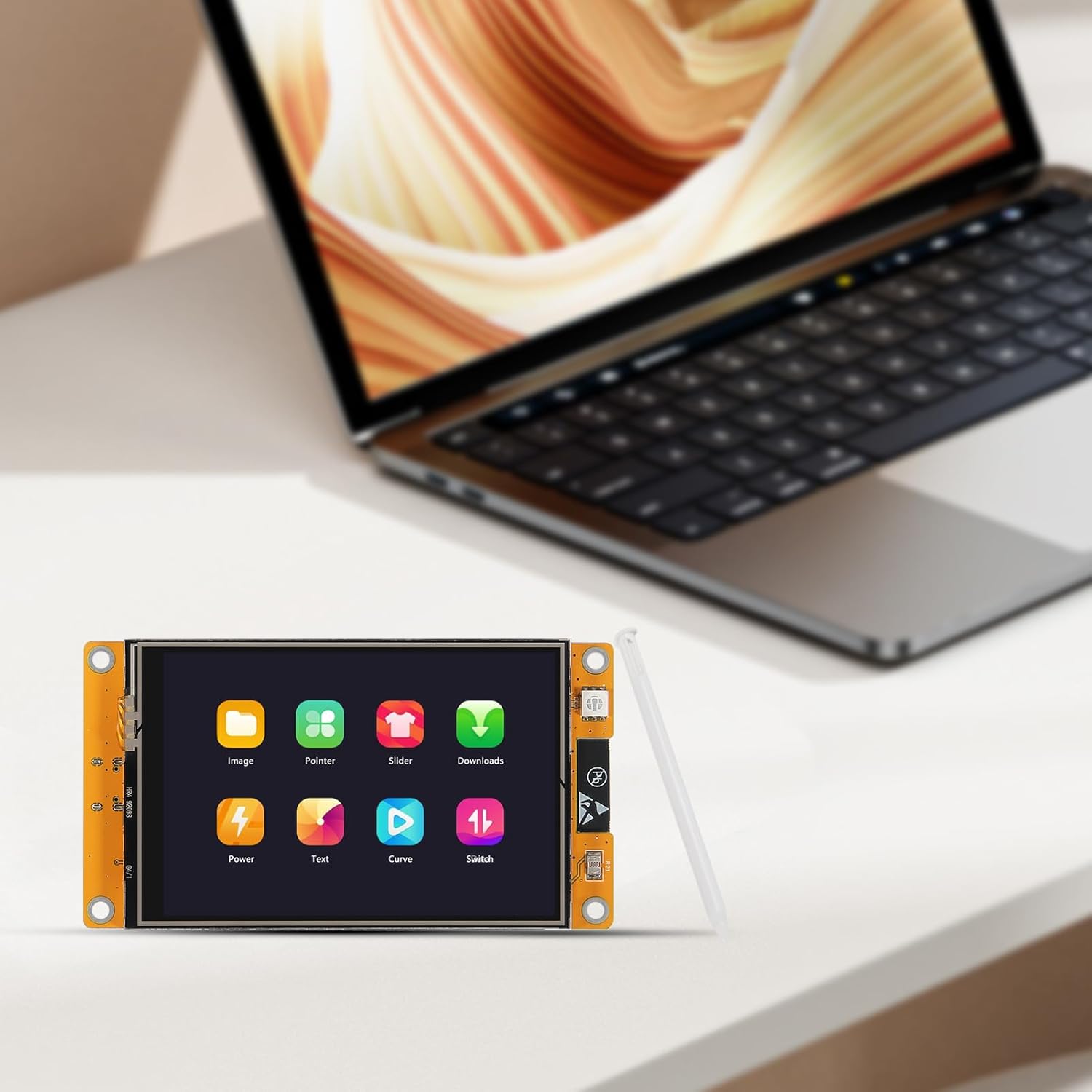
ESP32 Development Board 3.5" LCD Display Screen 320X480 Resolution ESP32-WROOM-32 WIFI Smart Display Screen 3.5inch LCD TFT Module Resistive Touch for Arduino IDE, ESP IDE, Micropython and Mixly
OVERVIEW
ESP32 Development Board 3.5" LCD Display Screen 320X480 Resolution ESP32-WROOM-32 WIFI Smart Display Screen 3.5inch LCD TFT Module Resistive Touch for Arduino IDE, ESP IDE, Micropython and Mixly
$17.99
(as of Mar 21, 2026 01:44:18 UTC –
Details
)

Categories: Electronics > Computers & Accessories > Computer Components > Single Board Computers
ASIN: B0D8TC4RM8
What customers are saying
Product overview
Product description


Installing using Arduino IDE
1,Installing using Arduino IDE
we first need to install version 1.8.19 of the Arduino IDE (or greater), for example, the Arduino installation was in “C/Programs(x86)/Arduino”.download release link: https:downloads.arduino.cc/arduino-1.8.19-windows.exe This is the way to install Arduino-ESP32 directly from the Arduino IDE.
Add Boards Manager EntryHere is what you need to do to install the ESP32 boards into the Arduino IDE:(1) Open the Arduino IDE.(2) Click on the File menu on the top menu bar.(3) Click on the Preferences menu item. This will open a Preferences dialog box.(4) You should be on the Settings tab in the Preferences dialog box by default.(5) Look for the textbox labeled “Additional Boards Manager URLs”.
(6) If there is already text in this box add a coma at the end of it, then follow the next step.(7) Paste the following link into the text box : Stable release link:
https:raw.githubusercontent.com/espressif/arduino-esp32/gh-pages/package_esp32_index.json Development release link:
https:raw.githubusercontent.com/espressif/arduino-esp32/gh-pages/package_esp32_dev_index.json
Product parameters Display color: RGB 65K color Size: 3.5 inch Type: TFT Resolution: 320*480(Pixel) View: >60° Operating Voltage: 5V Power consumption: About 160mA
(8)Click the OK button to save the setting. The textbox with the JSON link in it is illustrated here:

(9) In the Arduino IDE click on the Tools menu on the top menu bar.(10) Scroll down to the Board: entry(11) A submenu will open when you highlight the Board: entry.(12) At the top of the submenu is Boards Manager. Click on it to open the Boards Manager dialog box. (13)I n the search box in the Boards Manager enter “esp32”.(14) You should see an entry for “esp32 by Espressif Systems”. Highlight this entry and click on the Install button. This will install the ESP32 boards into your Arduino IDE. Once the installation completes, we need to select the correct board options for the "ESP32 Arduino" board. In the board type, in the tools tab, we choose “ESP32 Dev Module”. Set and In the programmer entry of the same tab, we choose “esptool”.It’s important to note that after the code is uploaded, the device will start to run it. So, if we want to upload a new program, wee need to reset the power of the device, enters flashing mode again.First program. Since this platform is based on Arduino, we can use many of the usual functions. As an example for the first program, the code bellow starts the Serial port and prints “hello from ESP32” every second.
If everything is working fine, we will see the output in the serial console show

Again thank you for so much concern.. Hopefully, it's the beginning of a wonderful relationship!
3.5 inch color screen, support 16 BIT RGB 65K color display, 320X480 resolution
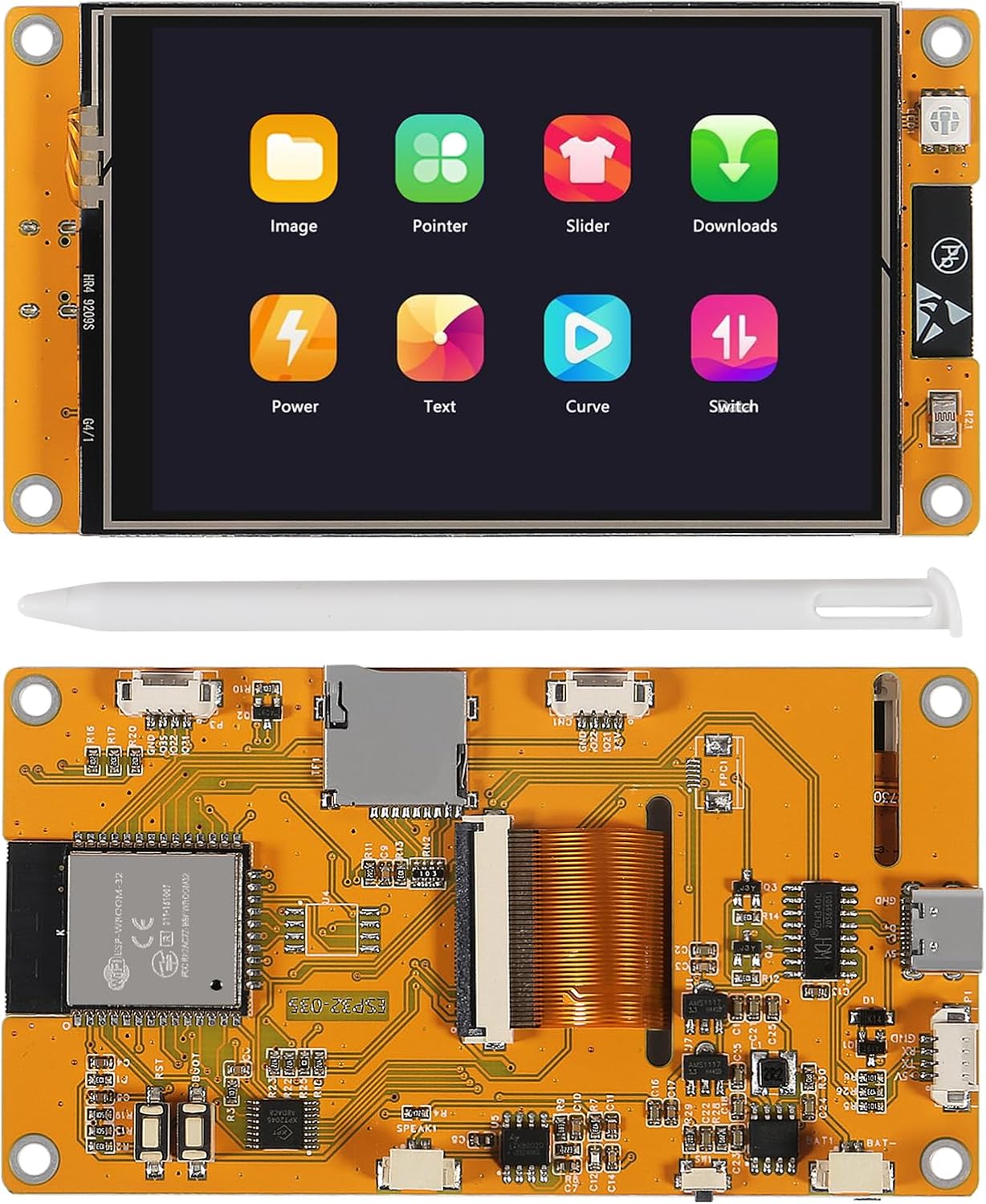
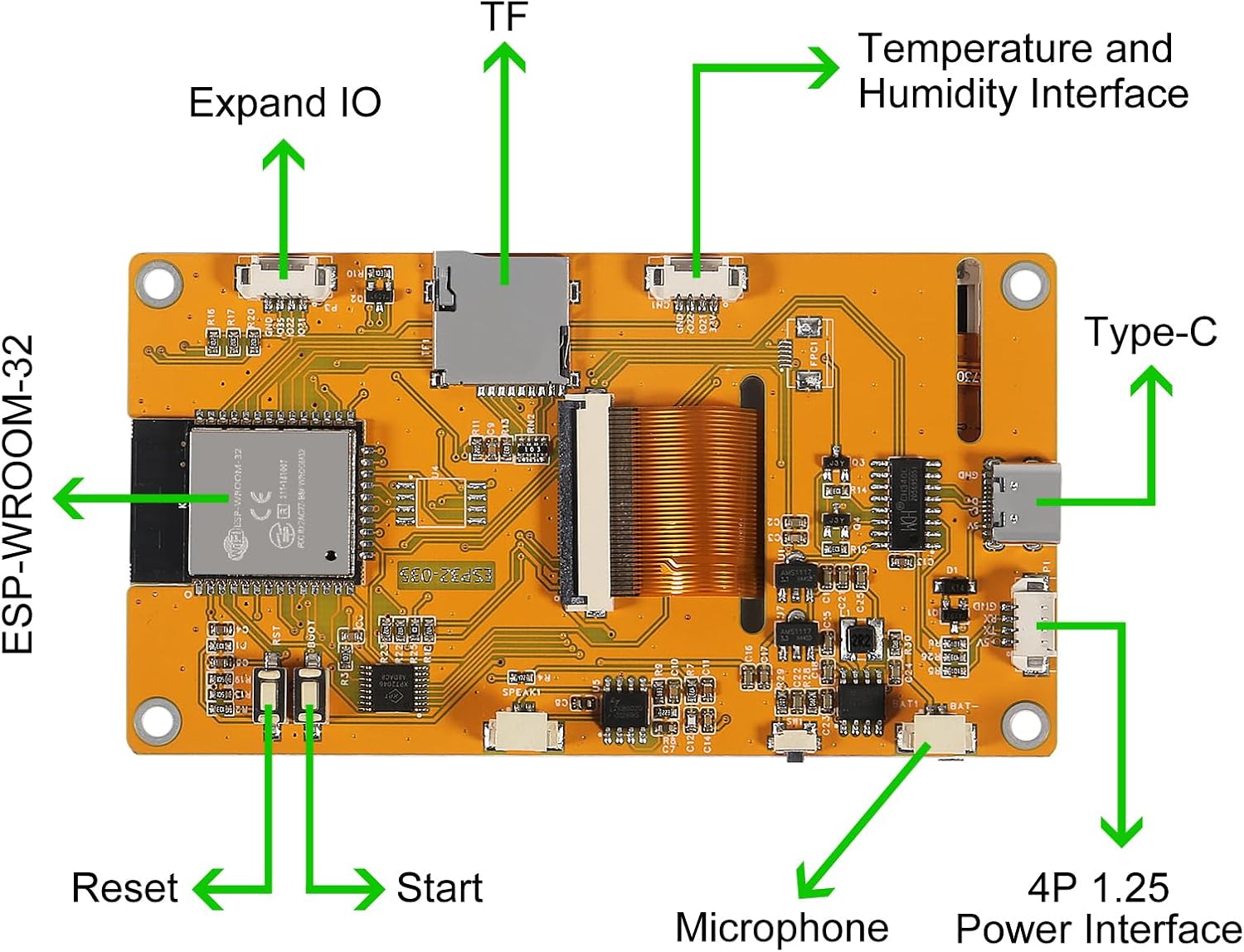
3.5inch LCD module uses ESP32-WROOM-32 module as the main control, the main control is a dual-core MCU, integrated WI-FI and Bluetooth functions, the main frequency can reach 240MHz, 520KB SRAM, 448KB ROM, Flash size is 4MB
The display resolution is 240x320, resistive touch, includes LCD display screen, backlight control circuit, touch screen control circuit, speaker drive circuit, photosensitive circuit and RGB-LED control circuit
3.5inch display tf card interface, serial interface, temperature and humidity sensor interface (DHT11 interface) and reserved IO port interface, supports development for arduino IDE, ESP IDE, Micropython and Mixly
The sample program has been programmed in the factory and can be plugged in, with TF card slot for easy expansion storage, provide arduino library functions and sample programs to facilitate rapid secondary development, support one-click download program
Technical details
| Package Dimensions | 4.8 x 3.11 x 1.26 inches |
|---|---|
| Item Weight | 3.52 ounces |
| Manufacturer | DORHEA |
| ASIN | B0D8TC4RM8 |
| Customer Reviews |
3.9 out of 5 stars |
| Best Sellers Rank |
|
| Date First Available | July 4, 2024 |
Warranty & Support
RELATED PRODUCTS
REVIEWS
Reviews
There are no reviews yet.