


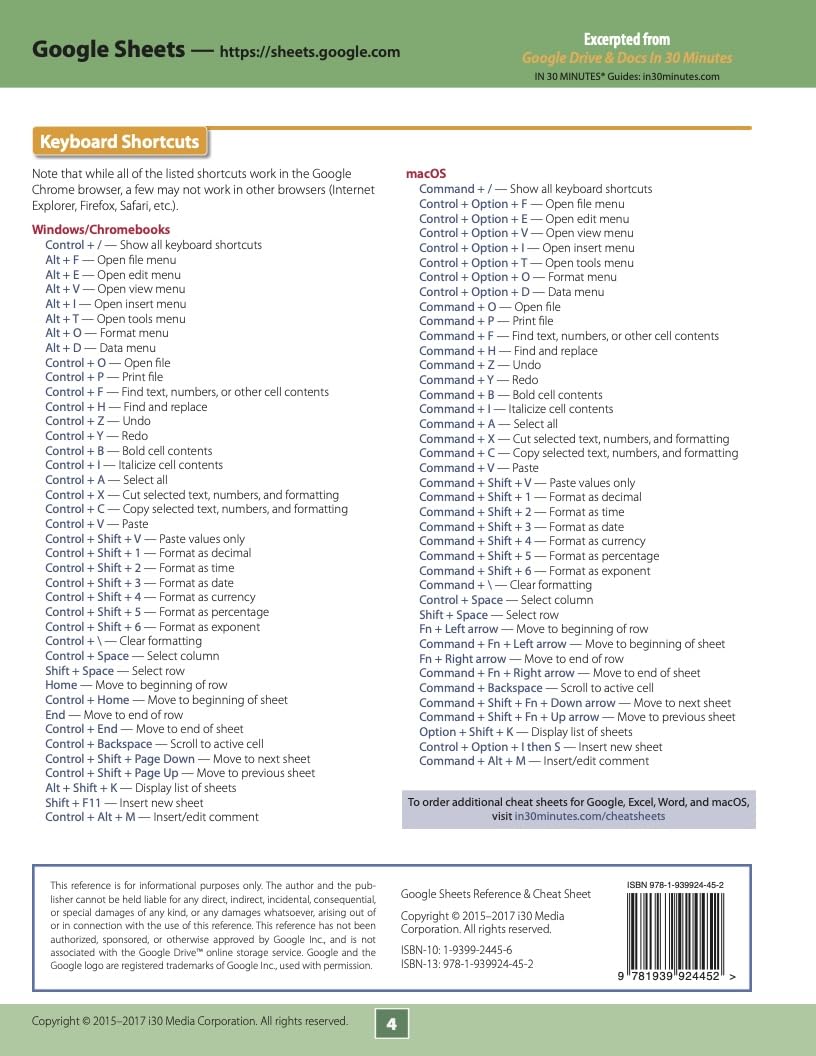
Google Sheets Reference and Cheat Sheet: The unofficial cheat sheet reference for Google's free online spreadsheet application
OVERVIEW
(as of Nov 23, 2025 18:42:47 UTC - Details)

Get the top-rated Google Sheets cheat sheet that can help home users, office workers and students just getting started with basic Google Sheets functions and keyboard shortcuts in Windows, ChromeOS, and macOS. It's also a useful reference for those switching from Microsoft Excel to Google Sheets.
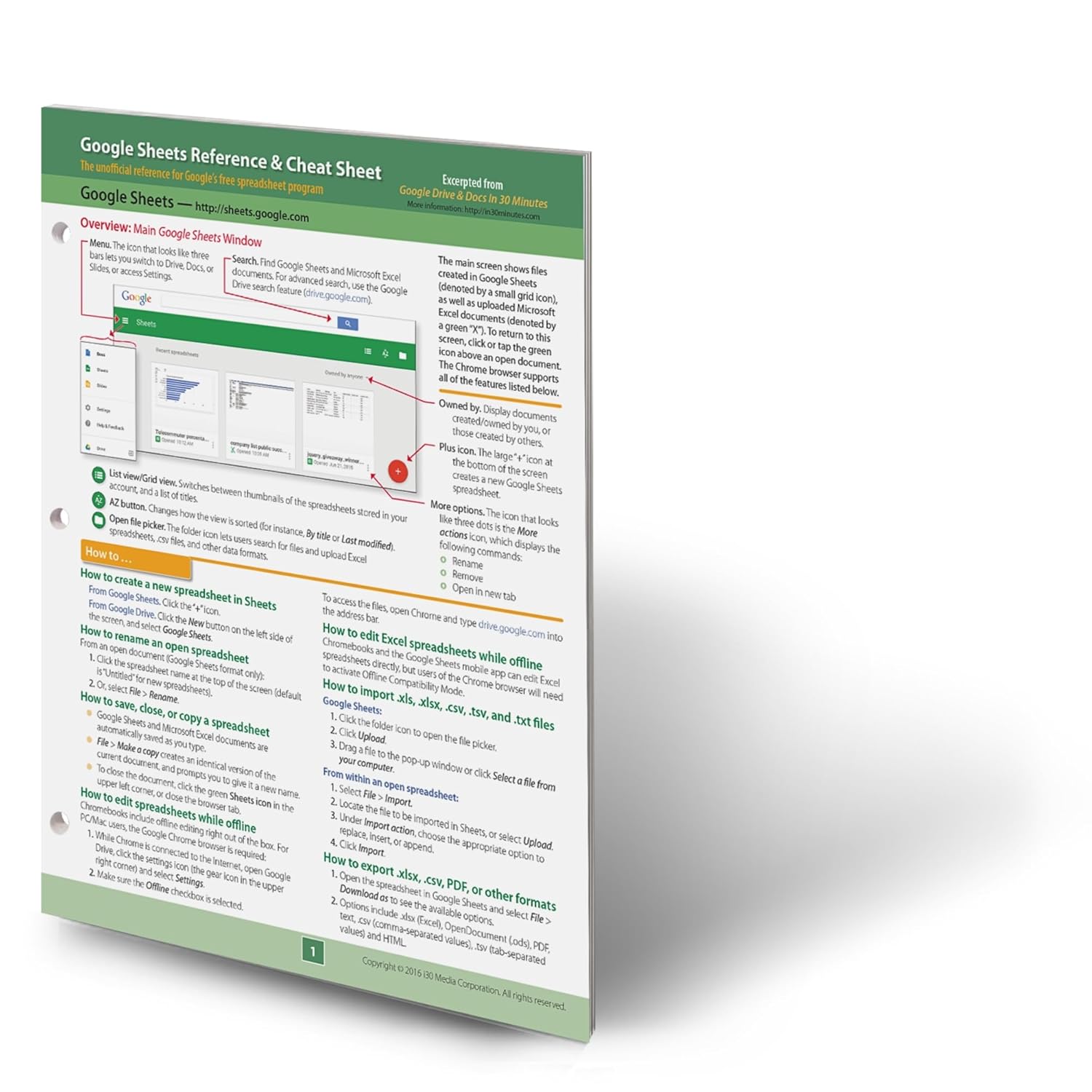
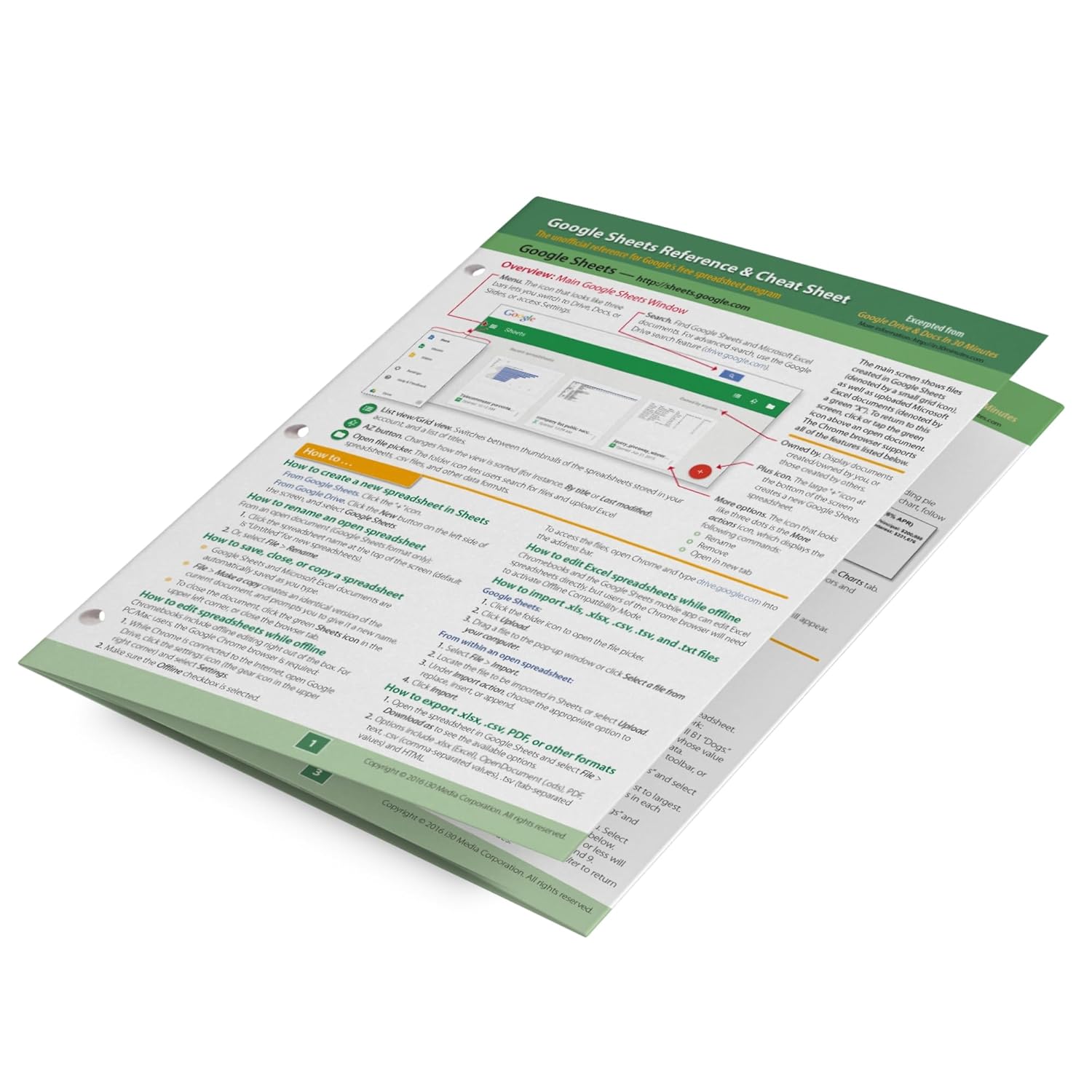
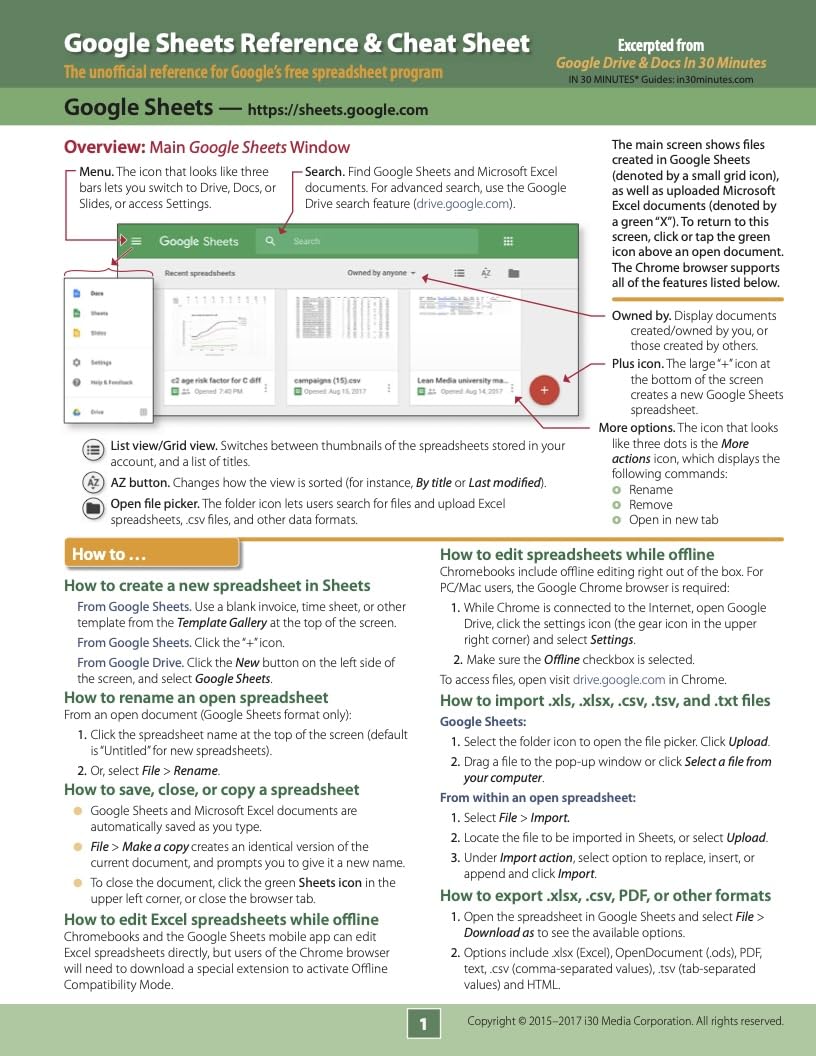
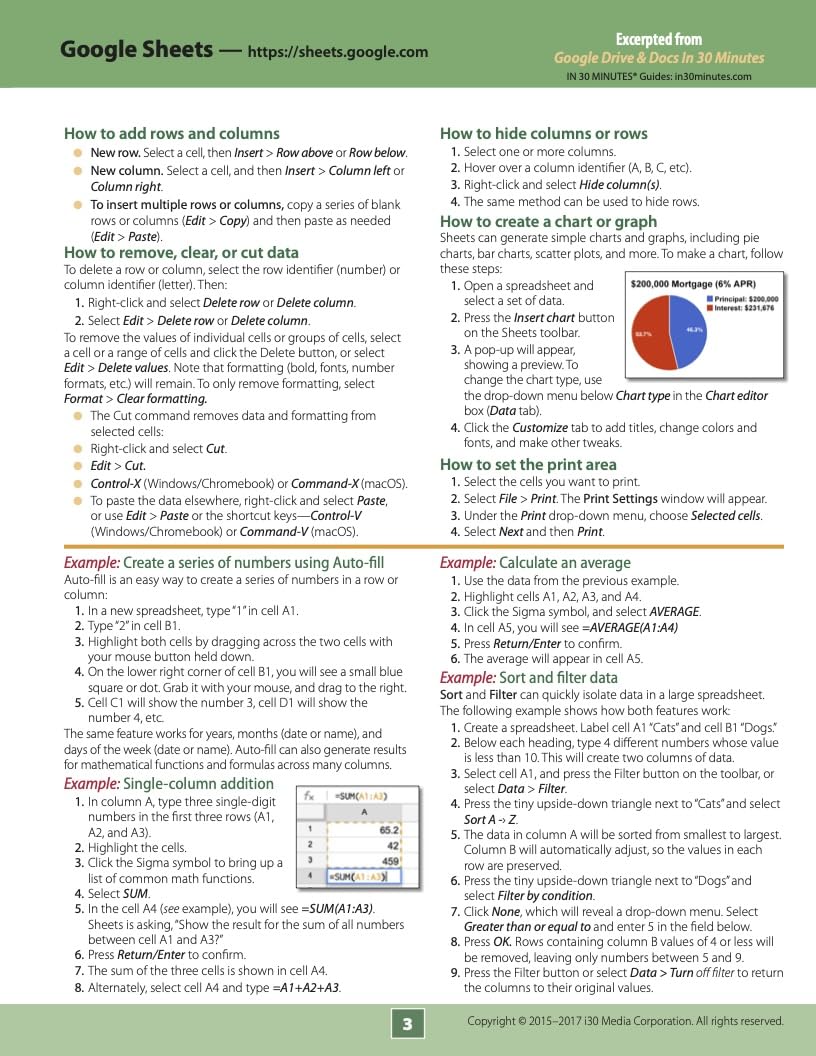
The handy Google Sheets reference contains tips, examples, and easy-to-read annotated screenshots of Google Sheets, the free online spreadsheet program that is part of the Google Workspace office suite. Topics include:
Overview of Google Sheets on the Web, including annotated screenshots of the main page and formatting toolbar.Sheets basics: Creating, renaming, saving, and copying spreadsheetsHow to edit while offlineHow to add, edit, and hide dataHow to import and export .txt, .csv, .pdf, and .xlsx filesExamples of basic formulas, functions, auto-fillHow to perform simple math and calculate averagesSorting and filtering dataHow to create a chart or graphKeyboard shortcuts for Chromebooks, Windows, and macOS
The four-panel reference is printed on 8.5 by 11 inch high-quality card stock, perfect for desks, walls, and shelves. It has holes for three-ring binders. Fully recyclable and designed for readability.
The Google Sheets Reference and Cheat Sheet was created by the publisher of the award-winning IN 30 MINUTES guides and is based on Google Drive & Docs In 30 Minutes.
Publisher : i30 Media
Publication date : July 31, 2015
Language : English
Print length : 4 pages
ISBN-10 : 1939924456
ISBN-13 : 978-1939924452
Item Weight : 10.5 ounces
Dimensions : 11 x 8.5 x 0.2 inches
Best Sellers Rank: #98,998 in Books (See Top 100 in Books) #9 in Business Accounting Software Computer #10 in Software Suite Books #23 in Spreadsheet Books
Customer Reviews: 4.4 4.4 out of 5 stars 586 ratings var dpAcrHasRegisteredArcLinkClickAction; P.when('A', 'ready').execute(function(A) { if (dpAcrHasRegisteredArcLinkClickAction !== true) { dpAcrHasRegisteredArcLinkClickAction = true; A.declarative( 'acrLink-click-metrics', 'click', { "allowLinkDefault": true }, function (event) { if (window.ue) { ue.count("acrLinkClickCount", (ue.count("acrLinkClickCount") || 0) + 1); } } ); } }); P.when('A', 'cf').execute(function(A) { A.declarative('acrStarsLink-click-metrics', 'click', { "allowLinkDefault" : true }, function(event){ if(window.ue) { ue.count("acrStarsLinkWithPopoverClickCount", (ue.count("acrStarsLinkWithPopoverClickCount") || 0) + 1); } }); });
Customers say
Customers find the reference guide helpful, with one mentioning it covers a lot of subjects and another noting it's excellent for quick reminders. Moreover, the guide is easy to use and customers find it very useful. However, the physical quality receives mixed feedback, with one customer noting it looks used.
(as of Nov 23, 2025 18:42:47 UTC - Details)
RELATED PRODUCTS
REVIEWS
Reviews
There are no reviews yet.