
| Operation Mode | manual |
|---|---|
| Contact Type | Normally Open |
| Connector Type | Usb 3.0 |
| Brand | Yinker |
| Terminal | Usb |
| Item dimensions L x W x H | 5.2 x 3.6 x 0.8 inches |
| Circuit Type | Multiple-way |
| Mounting Type | Tabletop |
| Contact Material | Copper, Brass |
| Number of Positions | 15 |
| Controller Type | Panel |
| Control Method | Touch |
| Color | Black |
| Unit Count | 1.0 Count |
| Manufacturer | Yinker |
| Control Type | Direct |
| Compatible Devices | Computers, Mobile Devices |
| Product Dimensions | 5.2 x 3.6 x 0.8 inches |
| Item Weight | 13.7 ounces |
| ASIN | B0F8NHK69H |
| Item model number | LZK1-A |
| Date First Available | May 14, 2025 |

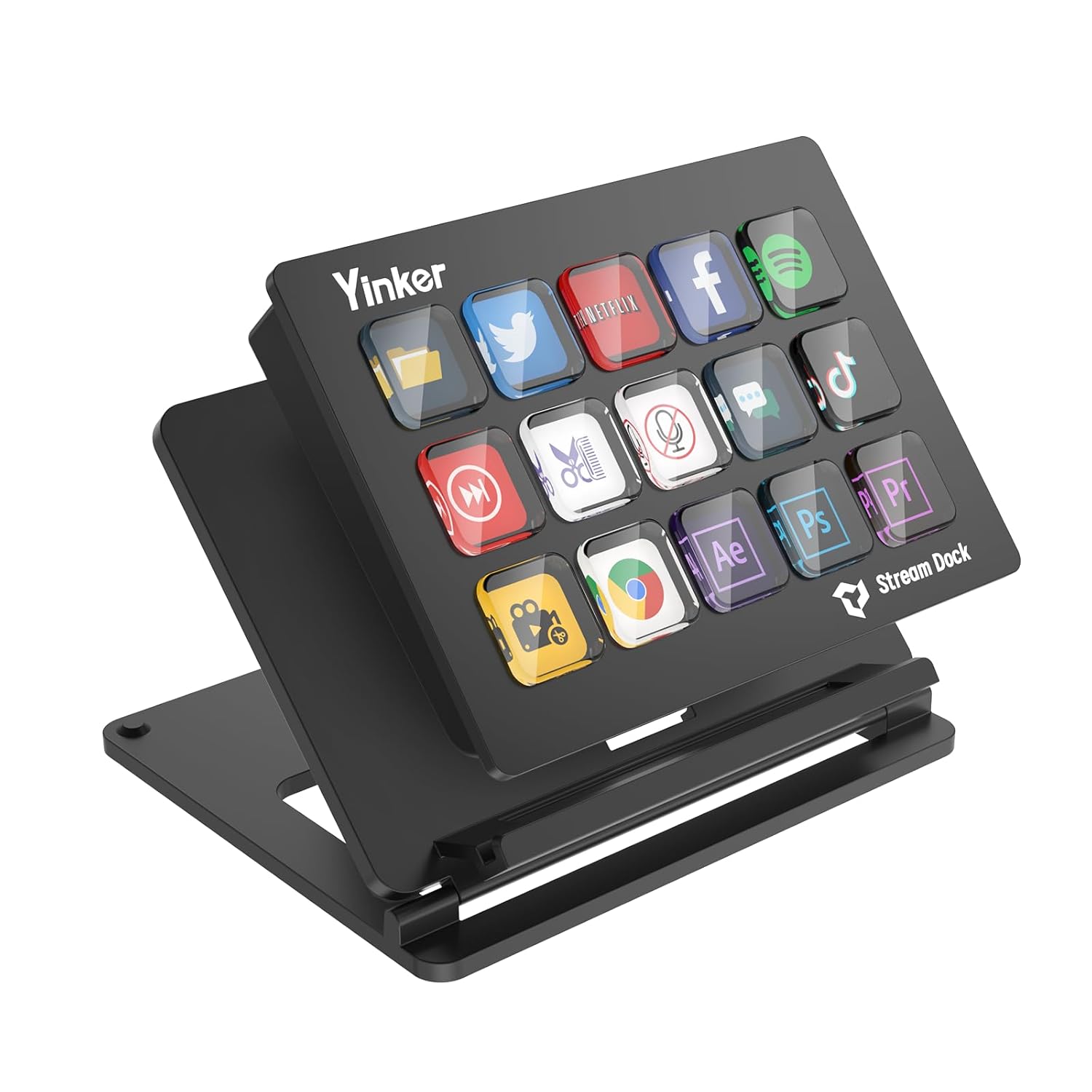
Stream Deck, 15-Key All-in-one Streaming Macro Shortcut Keyboard for Desktop Productivity, Customise LED Touchable Switchable Buttons for OBS, Twitch, YouTube - Mac & PC Compatible
$69.99
OVERVIEW
Stream Deck, 15-Key All-in-one Streaming Macro Shortcut Keyboard for Desktop Productivity, Customise LED Touchable Switchable Buttons for OBS, Twitch, YouTube - Mac & PC Compatible
Yinker
Price:
$69.99
$69.99
(as of Feb 15, 2026 10:20:46 UTC –
Details
)

Rating: 4.5 / 5
Categories:
ASIN: B0F8NHK69H
Categories:
ASIN: B0F8NHK69H
What customers are saying
Product overview
Product description

Specification
Function: Custom Buttons
You can configure these 15 keys to perform a variety of different functions according to your different needs, such as performing specific actions, sending preset messages, and more.Realize opening web pages, checking CPU usage, adjusting volume, timer alarm/countdown reminder and so on.The desktop logo is customizable and can be set to various graphics of your choice, making your desktop looks better.Customizable stream studio controller makes your work and life more efficient and interesting.

Applications:
Very wide range of usage scenarios, for Triggering Actions in Applications and Software Such As for OBS, for Twitch, for YouTube, Suitable for PC.
How to Use?
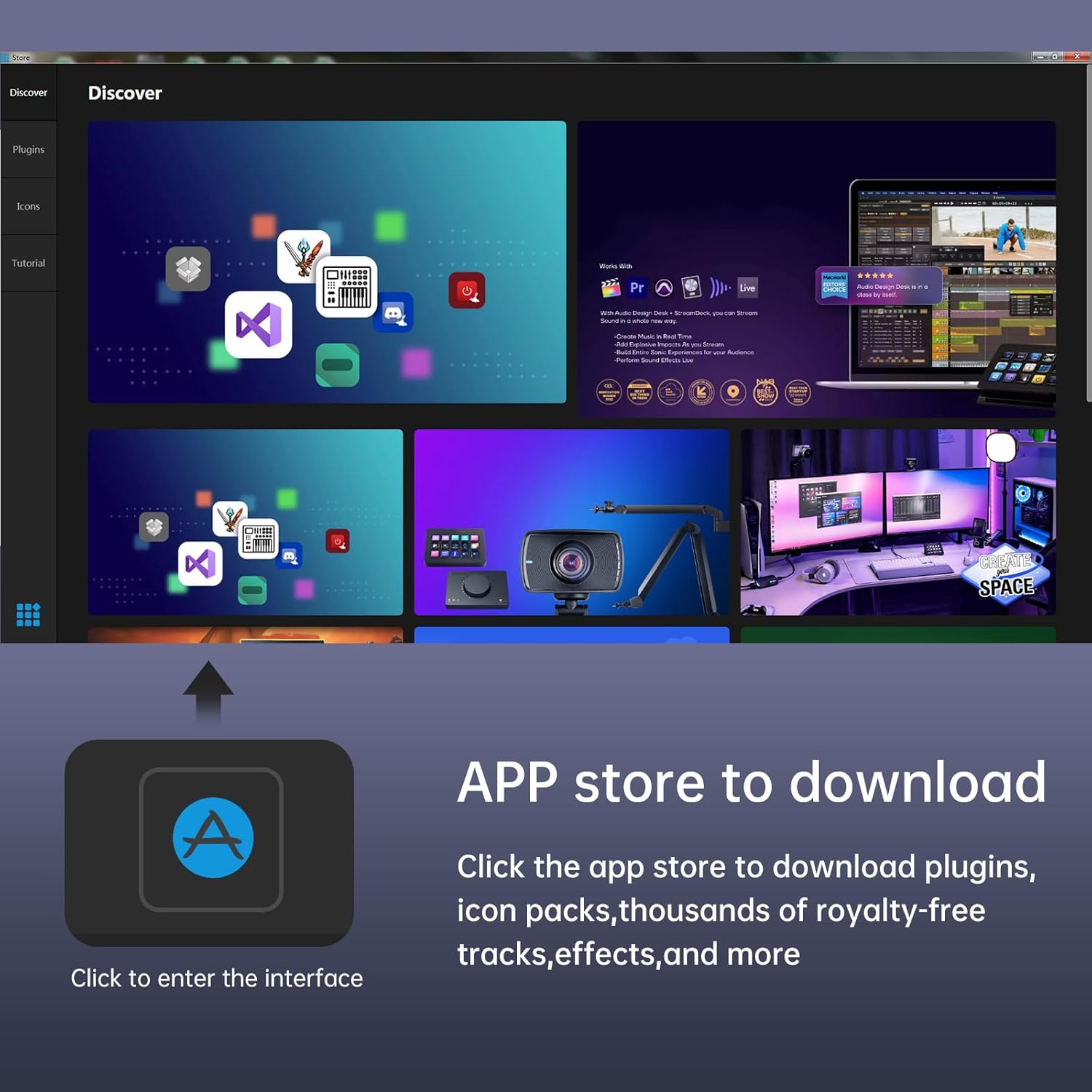
Download and install the application for windows or iOS version.
Note:
Before downloading and installing applications, please disable the antivirus software and firewall. Otherwise, it won't be recognized and will show a virus.

Simple operation
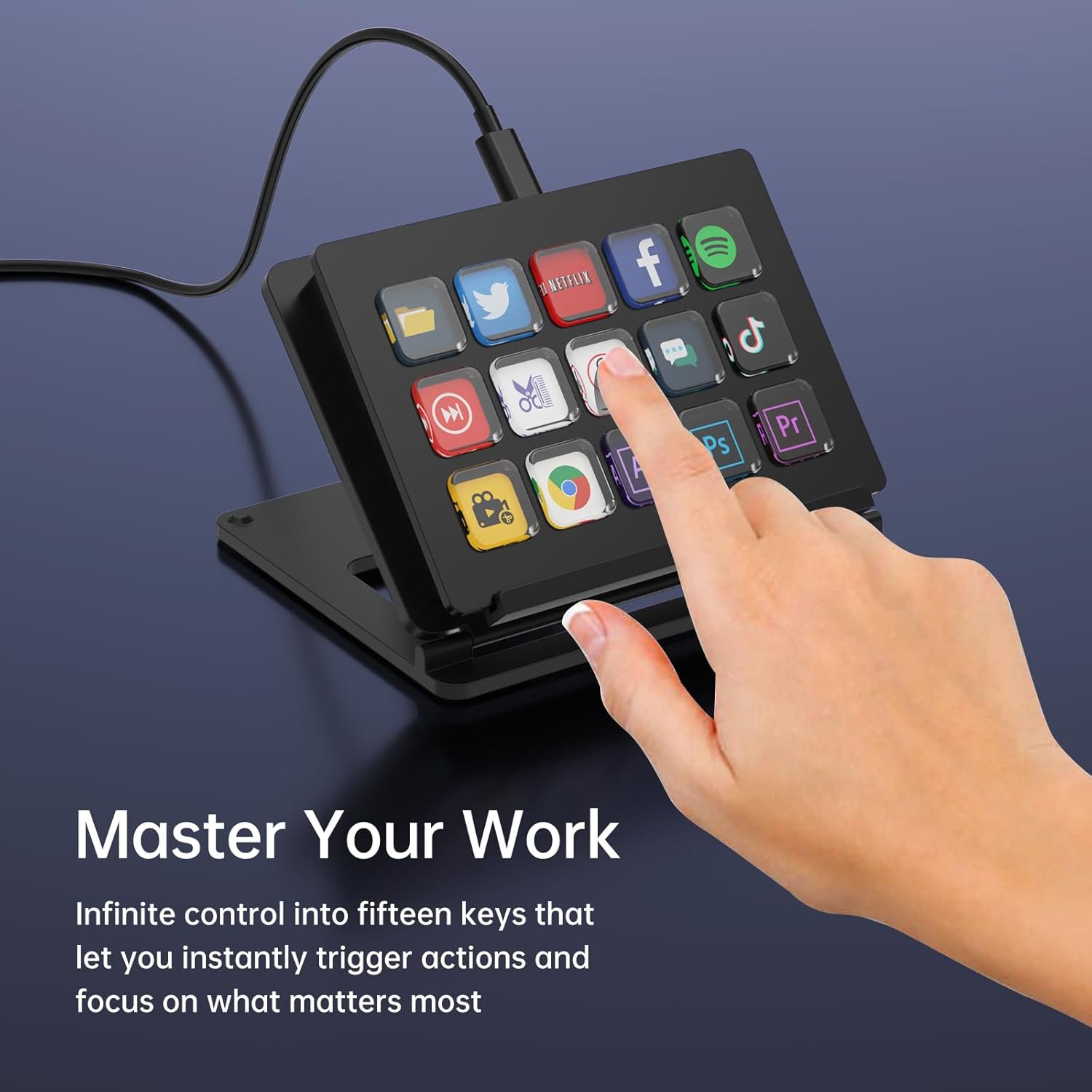
One click to efficiently accomplish complex tasks with a simple touch, control your exclusive apps and tools.

15 custom buttons
It connects to the computer via USB and also supports integration with different software and platforms, such as video editing software, live streaming software, audio software, etc.

Get the best use of vision
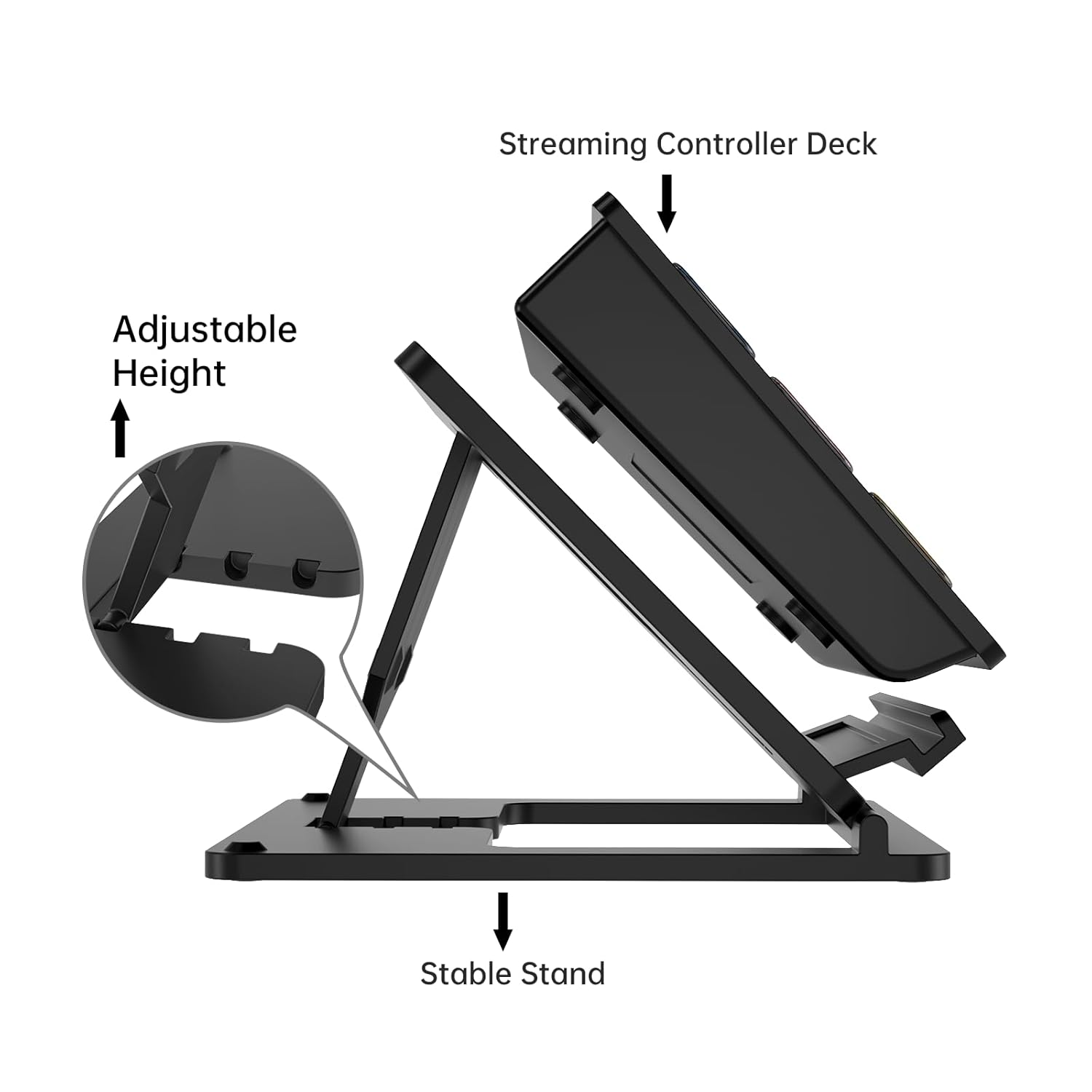
3 adjustable heights, with non-slip bracket, placed on the desk for clear visibility of each button.
Connection with OSB
1. Open "OBS" - "Tools" - "WebSocket Server Settings"
2. Turn on "Enable WebSocket server"
3. Click on "Show Connect Info" and access "Yes"
4. Copy the "Server IP" and "Server Password"
5. Paste them into the "OBS Studio Plugin" from the software.
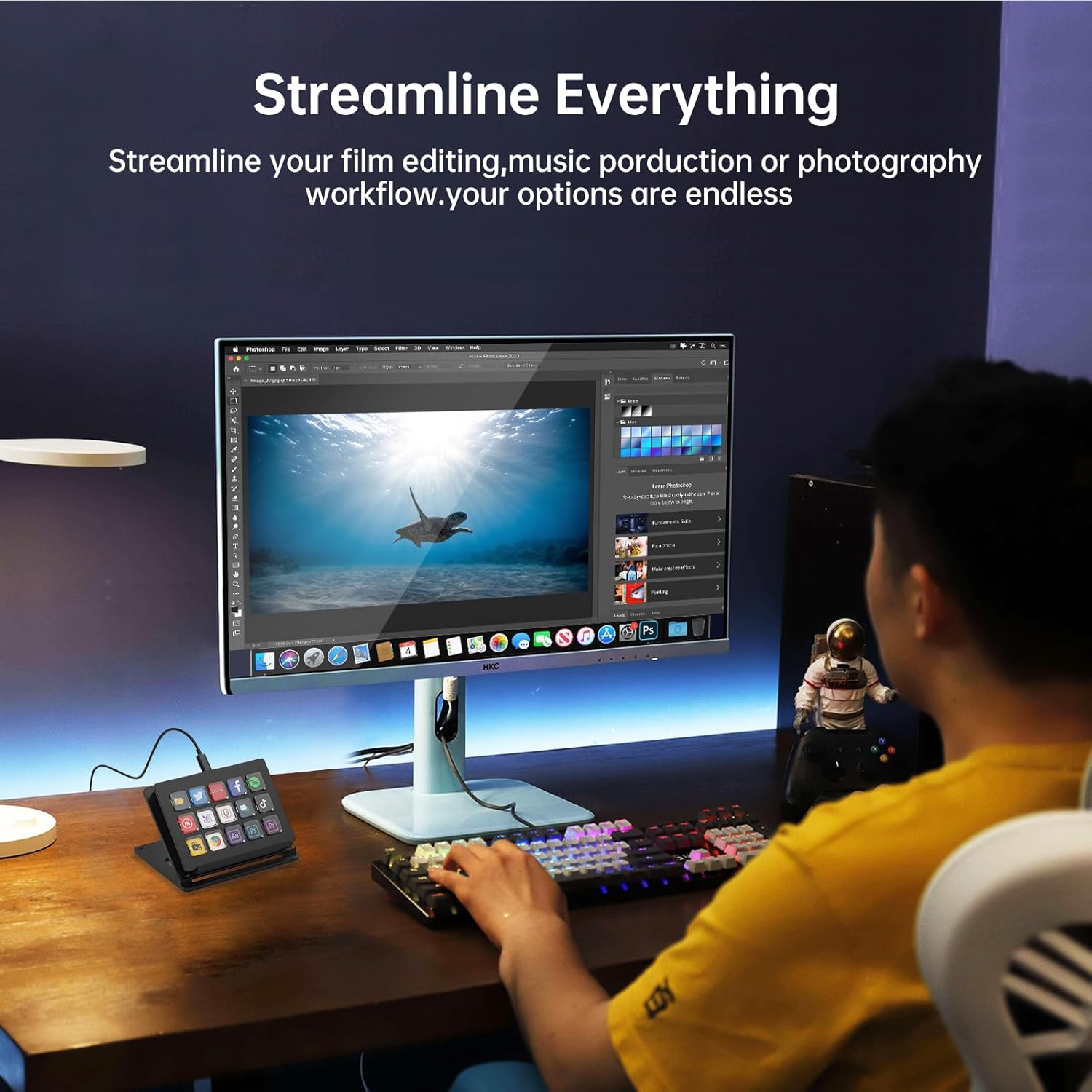
Yinker Streaming Controller combines with 15 customizable LCD keys, allowing you to handy control your apps, tools and platforms with a single press. Suitable for streaming, video editing, music production, photography work, and more.
This Streaming Keypad Controller supports one-touch operation to trigger single or multiple actions, launch any number of actions by one ultimate shortcut key. With hundreds of built-in icons to select, support icons uploading.
This Desktop Streaming Console supports setting multiple scenes which can allow you to build up more than 100+ short keys with these 15 buttons. The "SCENE SWIFT" can let you switch between different application scenarios with one press, no need to change from the software.
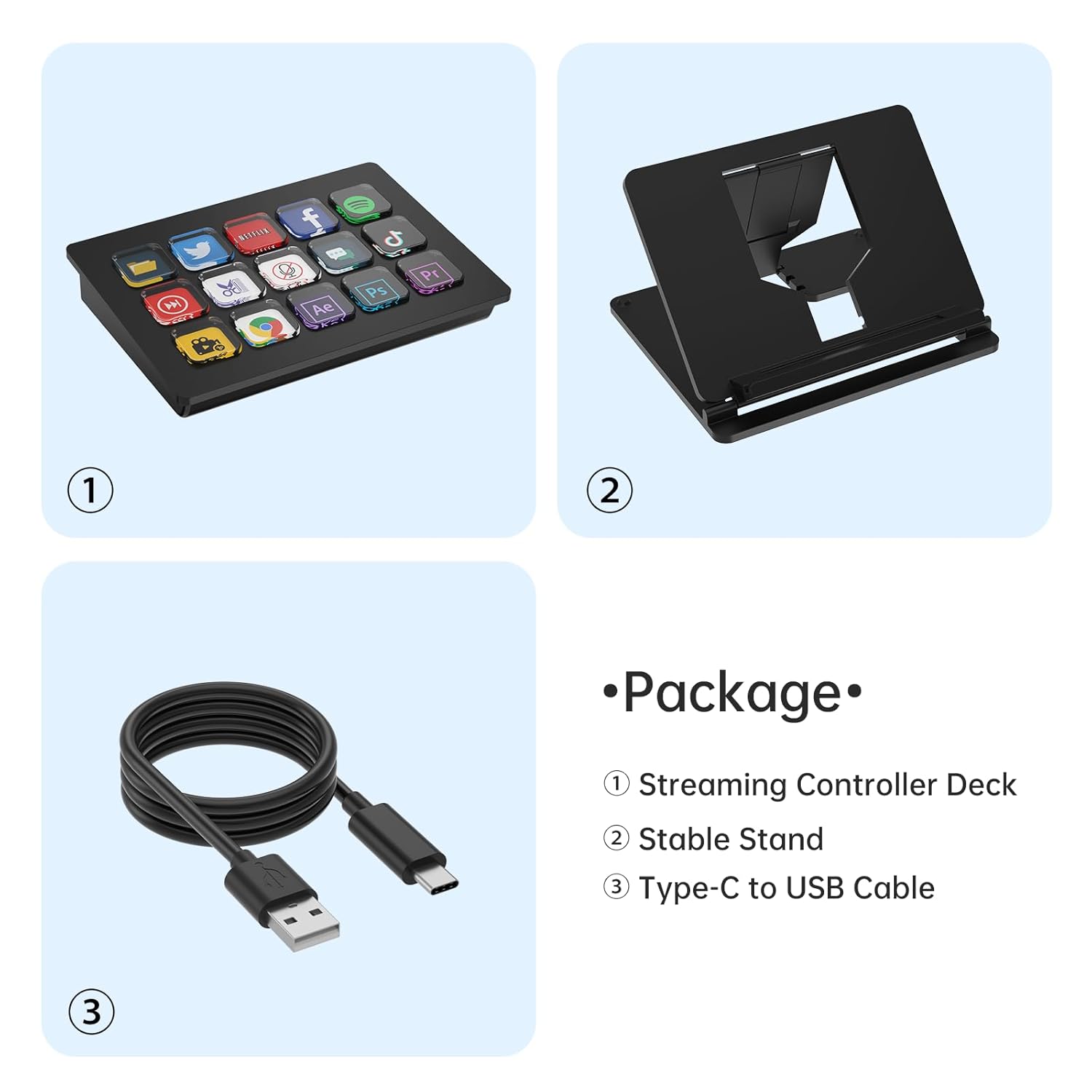
It supports 3 different height adjustments to accommodate your sitting posture and habit. And a detachable stable stand to allow you to take and carry easily. Make sure to use it with comfort and ease. The plastic shell is light and durable.
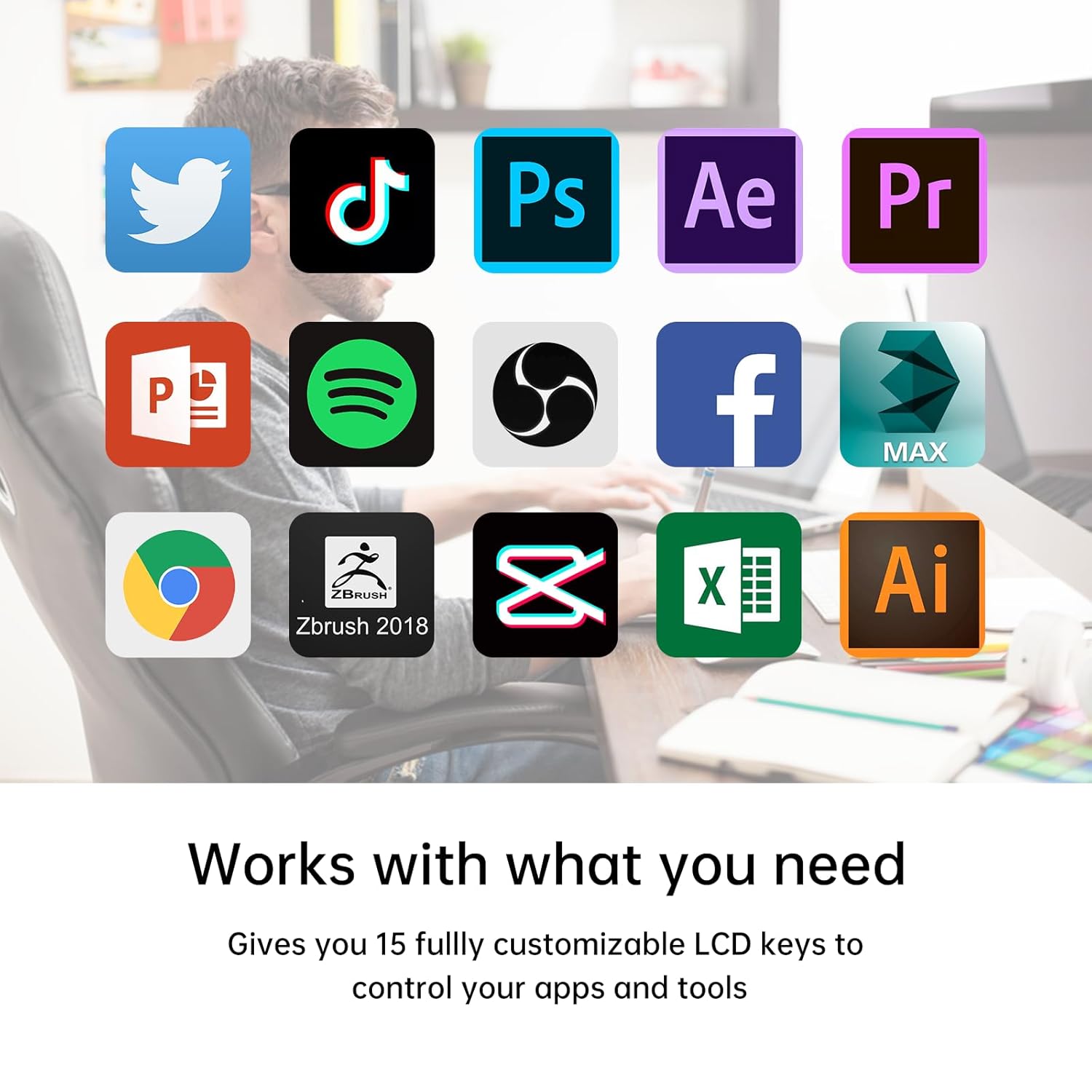
This Keypad Streaming Console is widely compatible with multiple plugins: OBS, Twitch, Zoom, YouTube, Twitter, Discord, Spotify, Photoshop, Adobe Creative Apps, PowerPoint, Word, Excel and more. Supports Windows, Android, IOS, Mac and other systems.
Technical details
Additional Information
RELATED PRODUCTS
REVIEWS
Reviews
There are no reviews yet.