
| Model Name | YubiKey 5Ci |
|---|---|
| Flash Memory Type | CompactFlash |
| Manufacturer | Yubico |
| Hardware Connectivity Technology | Lightning, USB Type C |
| Global Trade Identification Number | 05060408461969 |
| Item model number | Y-291 |
| Hardware Platform | Mobile, Laptop, Desktop, Windows, macOS, ChromeOS, Linux |
| Operating System | Android, IOS, Mac OS, Windows |
| Item Weight | 0.106 ounces |
| Product Dimensions | 1.59 x 0.47 x 0.2 inches |
| Item Dimensions LxWxH | 1.59 x 0.47 x 0.2 inches |
| Power Source | [Not Specified] |
| ASIN | B07WGJ1DNJ |
| Is Discontinued By Manufacturer | No |
| Date First Available | August 20, 2019 |


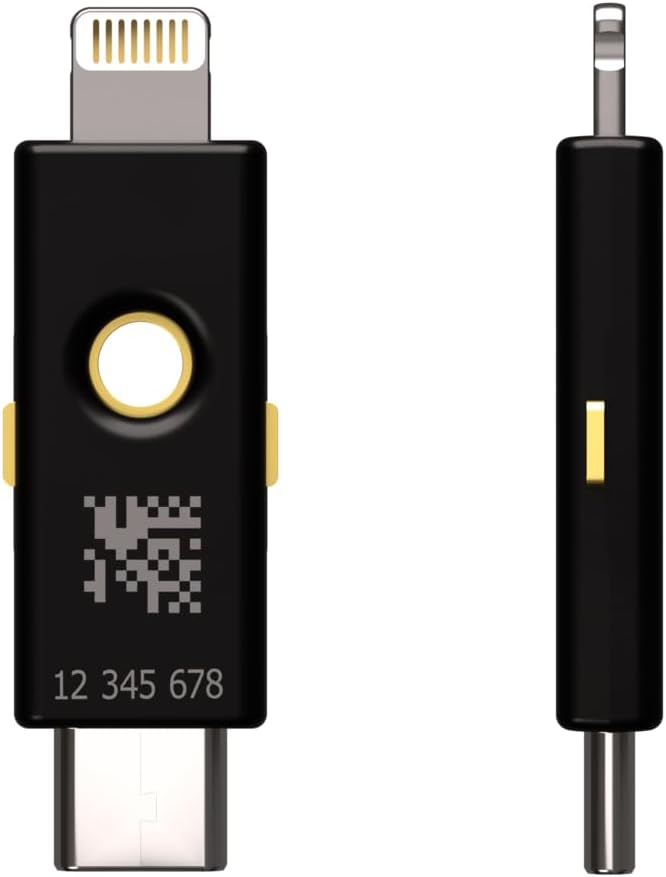




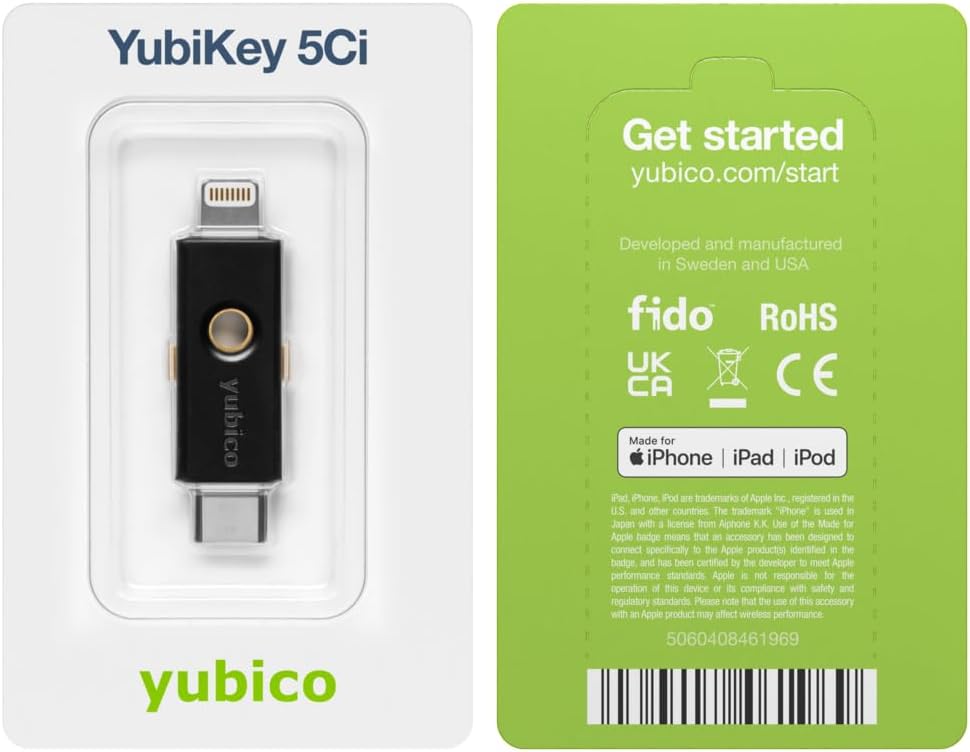
Yubico - YubiKey 5Ci - Multi-Factor authentication (MFA) Security Key and passkey for iPhone/Android/PC, Dual connectors for Lighting/USB-C, FIDO Certified
$75.00
OVERVIEW
(as of Oct 29, 2025 12:30:36 UTC - Details)

Additional Information
| Customer Reviews |
4.4 out of 5 stars |
|---|---|
| Best Sellers Rank |
|
Warranty & Support
Product Warranty: For warranty information about this product, please click here
From the brand


Meet Yubico, the creator of the YubiKey: the #1 security key that works with your favourite applications and services.
Usernames and passwords are not enough to protect your accounts. Using a security key as two-factor authentication is a simple and proven method for protecting your identity, accounts and devices.
The YubiKey is loved by the world’s largest brands and millions of users.

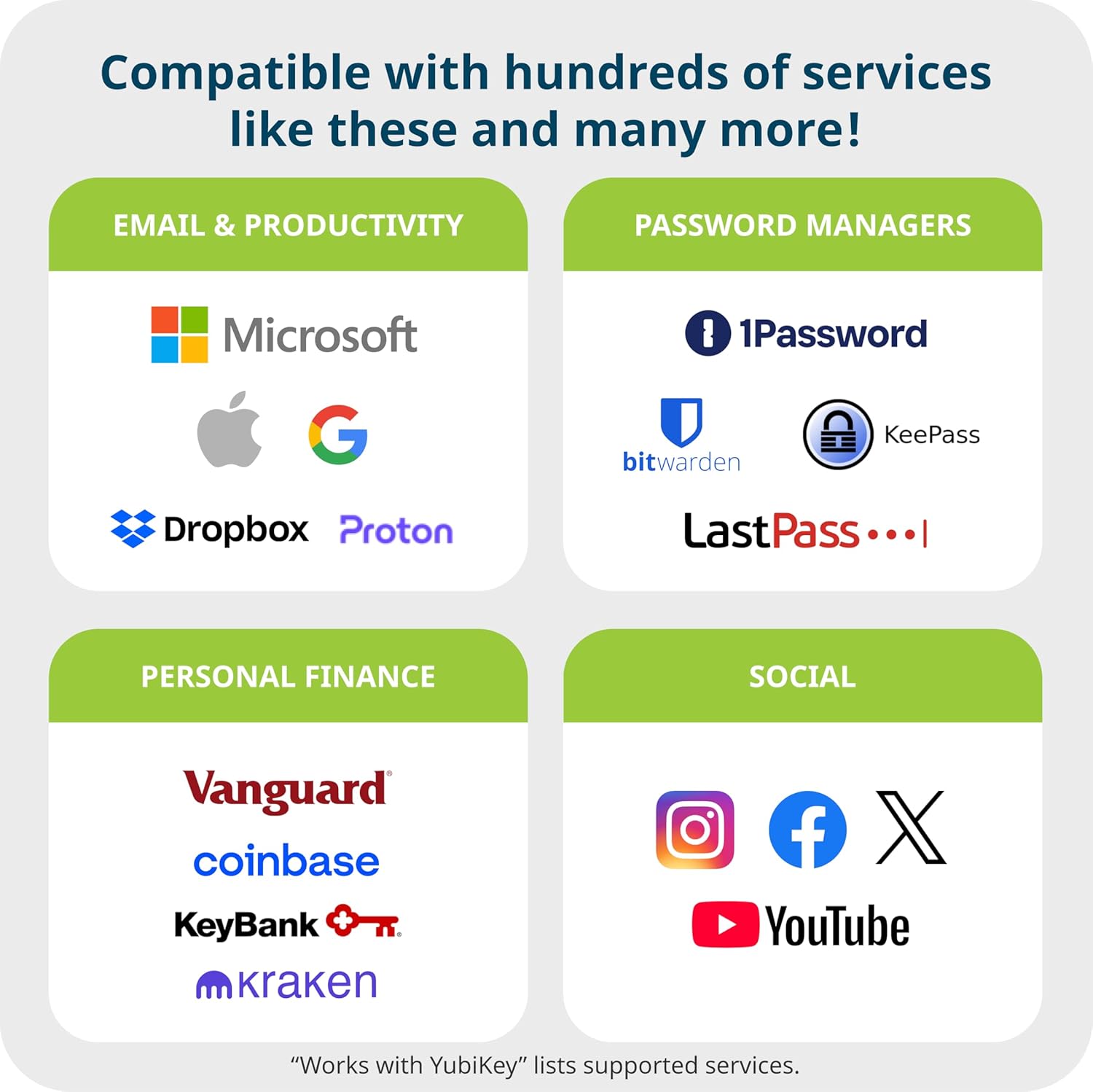
YubiKey works with hundreds of services and applications
What accounts can I secure with YubiKey?
YubiKey works with hundreds of services and applications. Search for "Works With YubiKey" for list of compatible services.
How do I get started using YubiKey?
1. Log in to the service you want to secure and check if it supports security keys.
2. Look for the option to add two-factor authentication or security keys. Setup instructions may vary.
3. Follow the instructions to register your YubiKey by plugging it in or tapping it on your device.
4. You're now ready to use your YubiKey. Remember to register a spare key in case of loss or theft.
What is the difference between YubiKey and Security Key by Yubico?
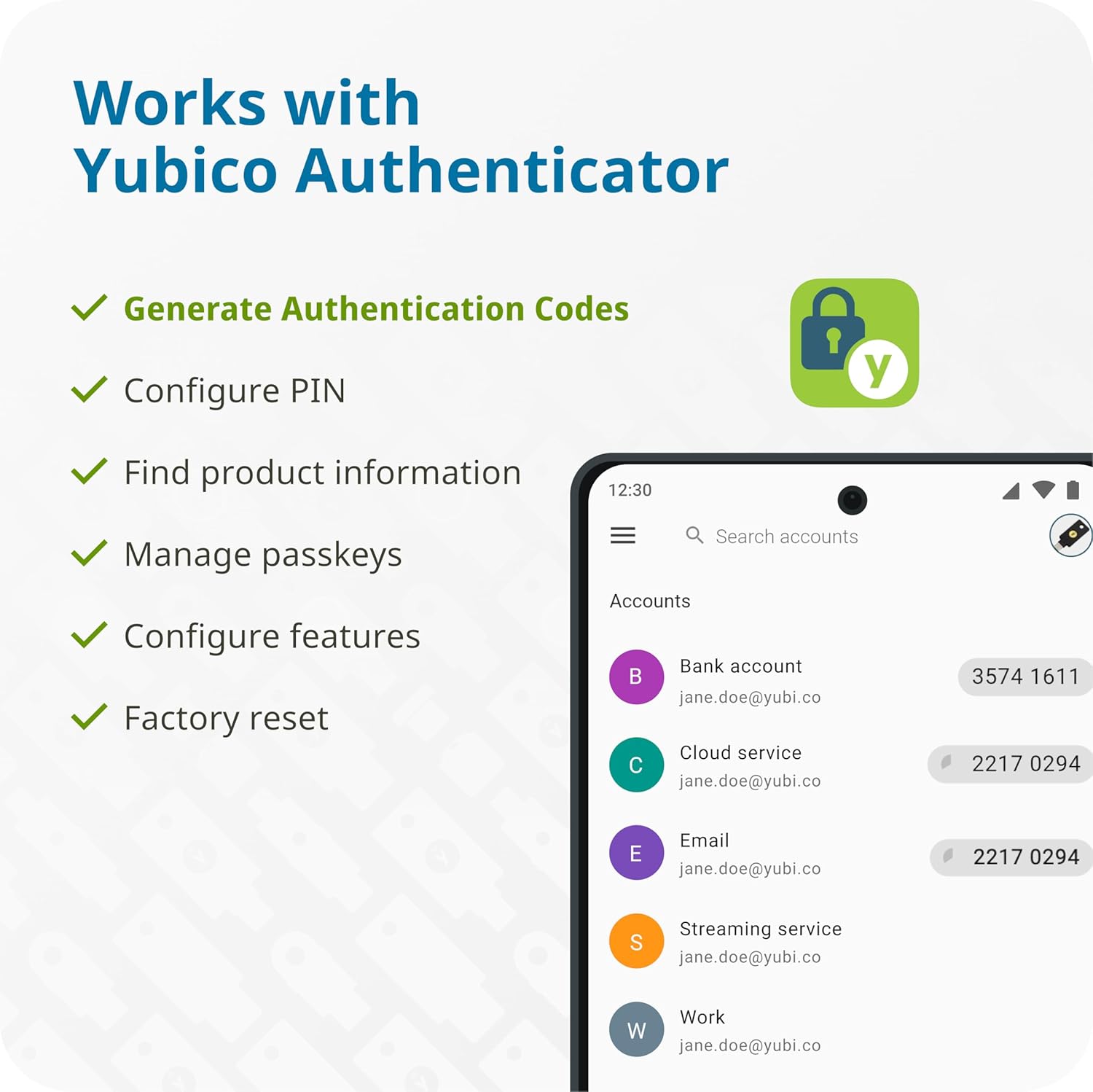
YubiKey 5 is our most versatile security key supporting authentication to a wide range of services and applications using not only FIDO protocols but also OTP, OATH and Smart card/PIV. It also comes in additional form factors incl. Lightning and Nano, and can be used with the Yubico Authenticator app.
The Security Key by Yubico is the more affordable option that supports FIDO2/WebAuthn and FIDO U2F protocols only. Some common services that use these are Google and Microsoft accounts, Dropbox, X, Coinbase and 1Password.
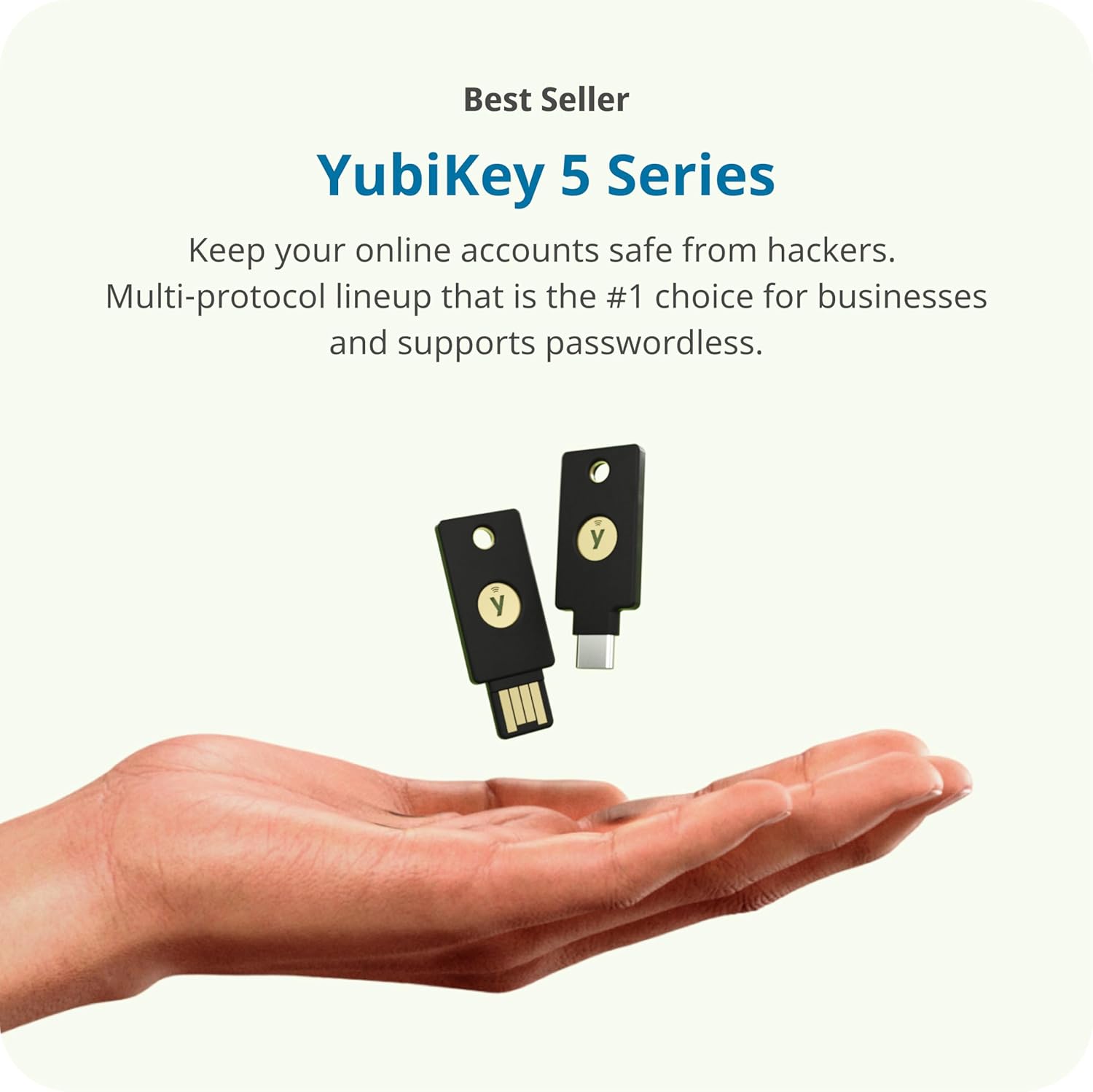
Keep your online accounts safe from hackers with the YubiKey. Trustworthy and easy-to-use, it's your key to a safer digital world.
CONVENIENT & PORTABLE: Convenient to carry and use wherever you go, ensuring secure access to your accounts at all times. Simply plug in the security key via USB-C or Lightning to authenticate.
VERSATILE COMPATIBILITY: Supported by Google and Microsoft accounts, password managers and hundreds of other popular services. Supports multiple authentication protocols including FIDO2 (hardware bound passkey), OATH-TOTP, Smart card (PIV) and OpenPGP.
DURABLE & RELIABLE: Resistant to tampering, water, and crushing. No batteries or network connectivity required, offering dependable authentication without any downtime. Manufactured in Sweden, programmed in the USA.
SPARE KEY: It's recommended to have 2 YubiKeys. By registering a secondary security key you ensure access to your accounts even if you lose your primary key.
Customers say
Customers find the security key provides great protection for email accounts and is well-made. The functionality and ease of setup receive mixed feedback - while some say it works well and is easy to set up, others report it doesn't work with all phones and find it not user-friendly. Moreover, compatibility is a concern, with several customers noting it doesn't work with Apple devices. Additionally, customers consider the product too expensive.
(as of Oct 29, 2025 12:30:36 UTC - Details)
RELATED PRODUCTS
REVIEWS
Reviews
There are no reviews yet.