


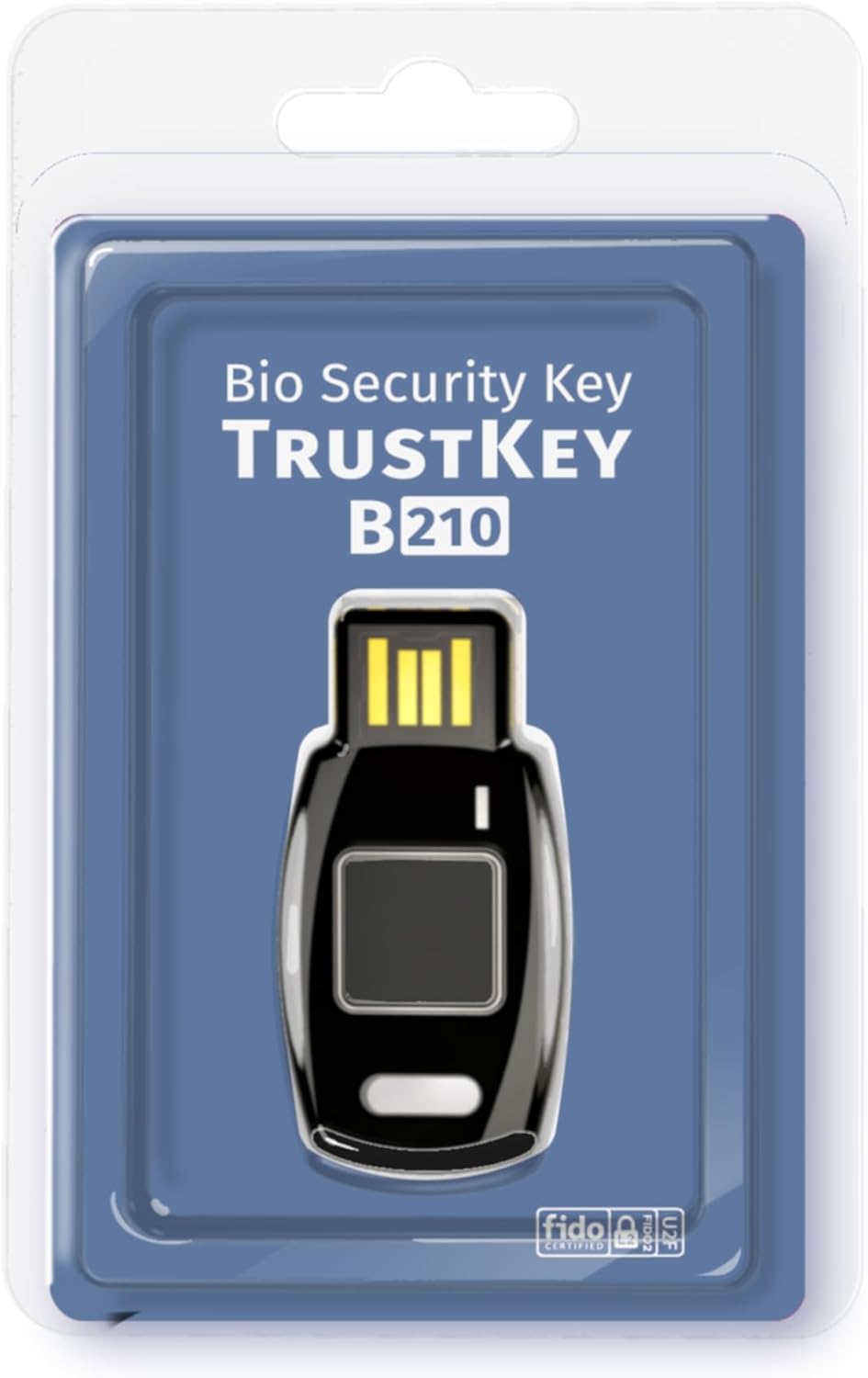
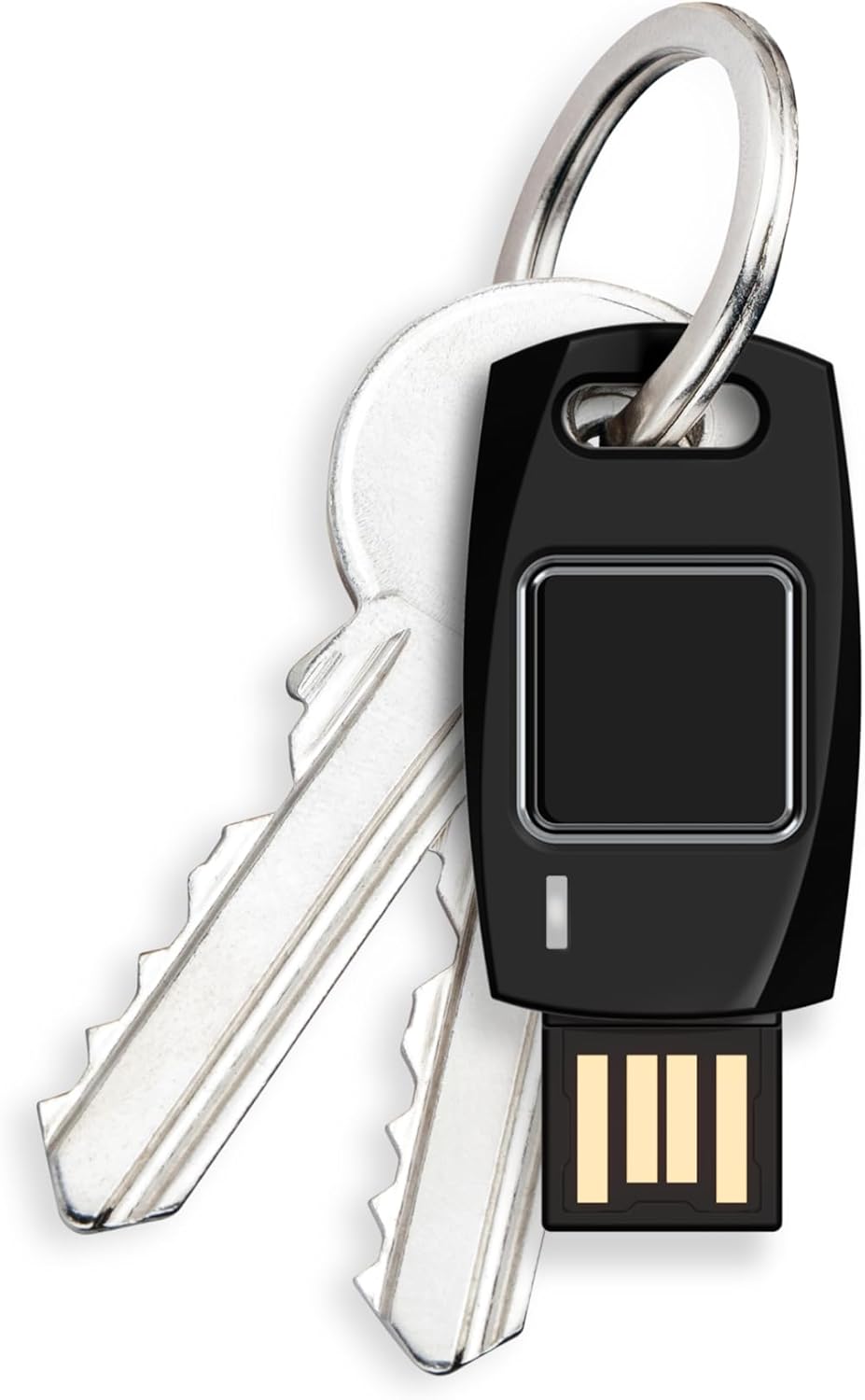
Passkey Windows Hello FIDO2 U2F Fingerprint Security Key USB-A Type TrustKey B210H
OVERVIEW
Passkey Windows Hello FIDO2 U2F Fingerprint Security Key USB-A Type TrustKey B210H
Trustkey
$63.00
(as of Mar 27, 2026 04:16:56 UTC –
Details
)

Categories: Electronics > Security & Surveillance > Biometrics
ASIN: B0CC58X9B3
What customers are saying
Product overview


Strong Security Starts Simple
Own Your Security
TrustKey's security key lineup
How do I set up the TrustKey security key?
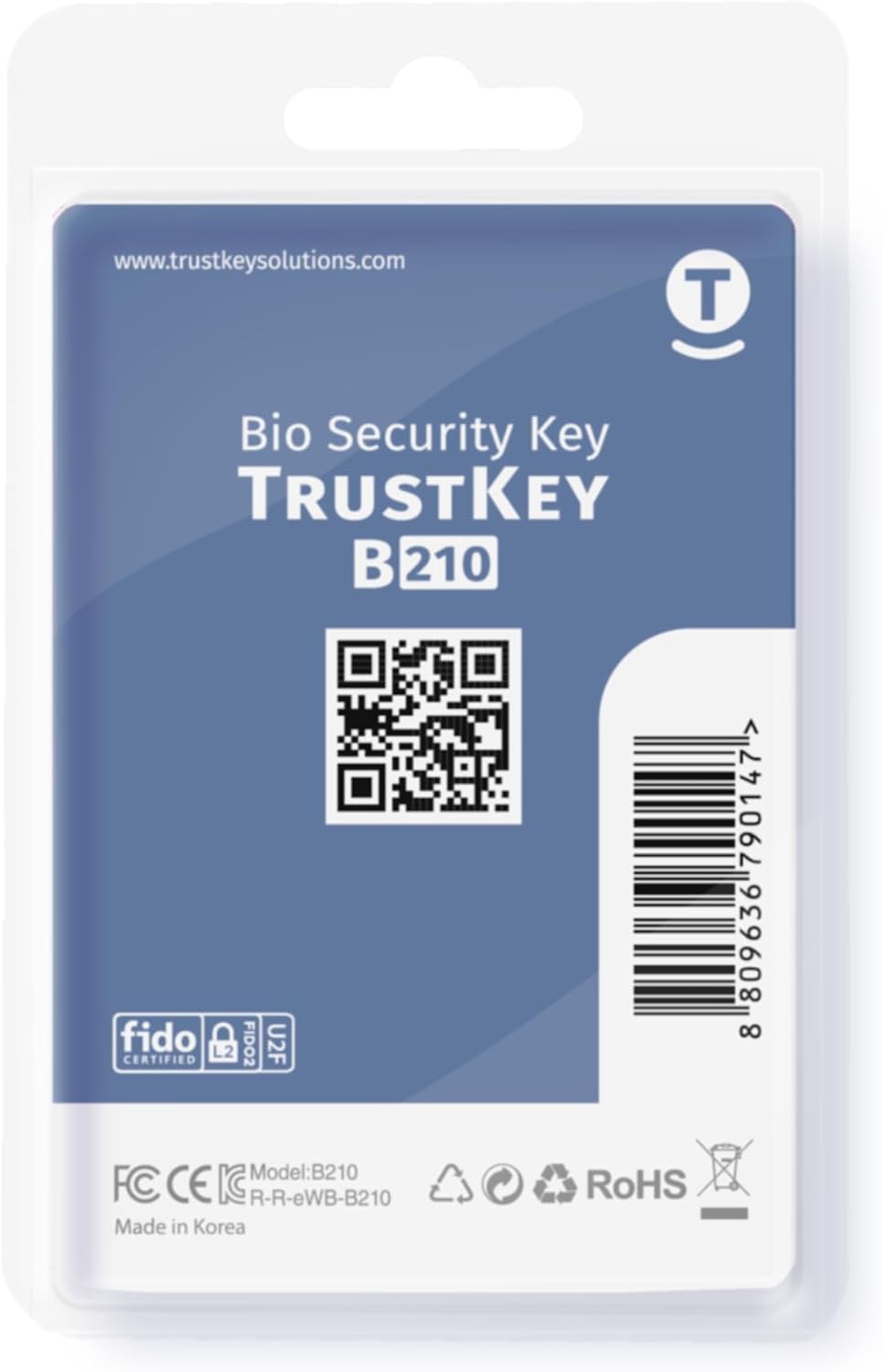
Check the QR on the back before opening. Download ‘TrustKey Manager’, complete setup, and register your Security Key in your online account.
Which websites or services can I use the security key with?
It works with many websites supporting FIDO2 or U2F authentication, including Google, Microsoft, GitHub, Twitter, Salesforce, and more.
What happens if I lose my security key?
Ensure alternative authentication methods (e.g., backup codes, phone authentication) are set up in advance. You can also use multiple security keys for added flexibility.
You can use your B210H security key to logon to your local Windows10 and Windows 11 PC via Windows Hello. (*Windows 10 Version 1903 and beyond)
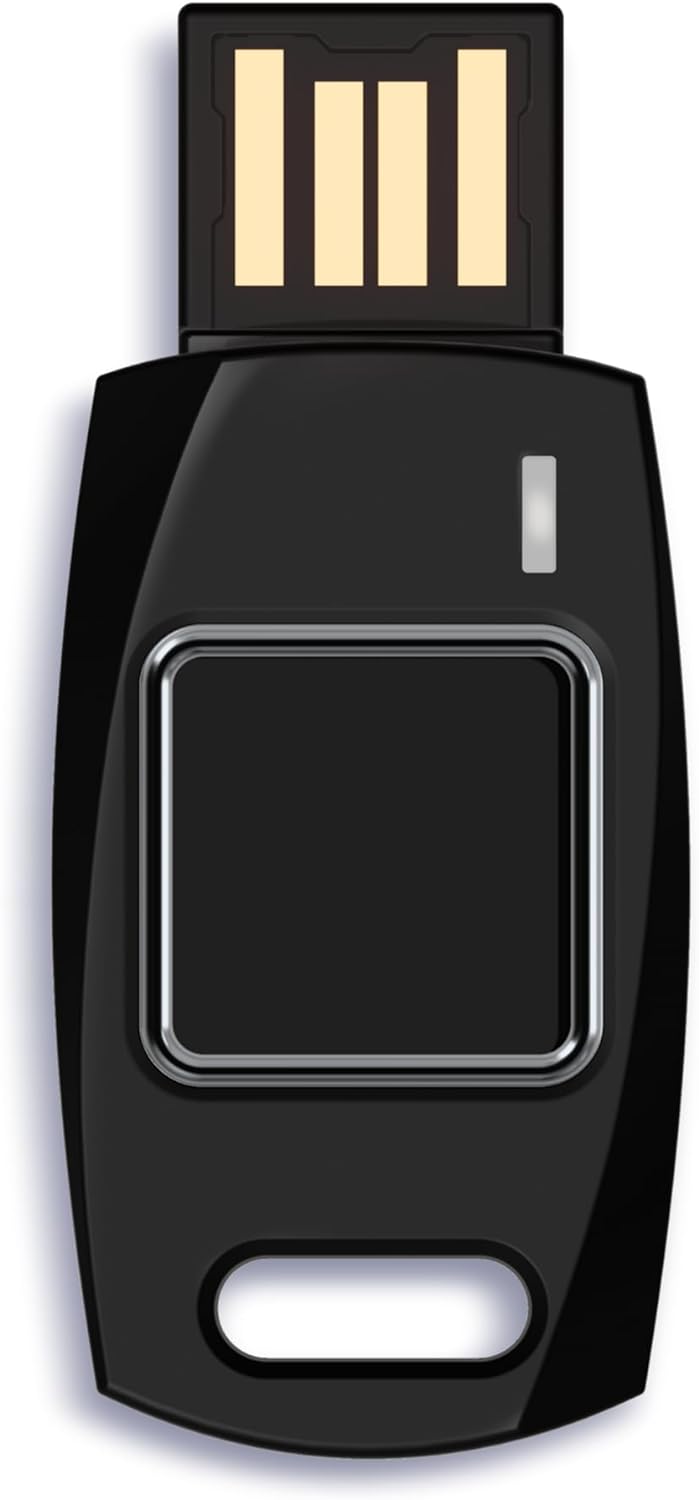
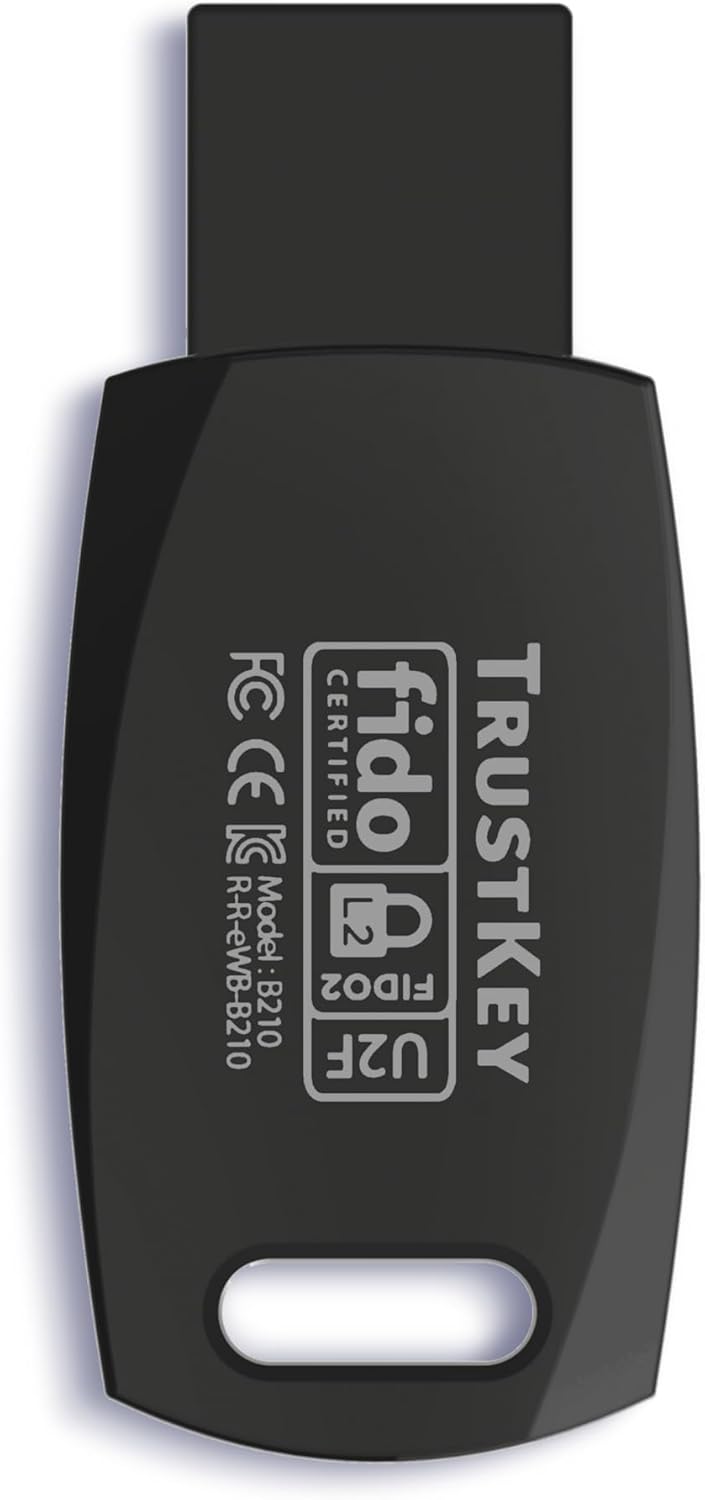
Security Key : Protect your online accounts against unauthorized access by using FIDO2 and U2F authentication with B210H security key. It's the world's most protective security key that works with windows, Mac OS, Linux as well as Chrome, Firefox, Edge and many other major browsers.
Strong security without worrying about fingerprint data breach: B210H is designed with strong security with fingerprint recognition algorithm using MS500 security chip designed by eWBM. This prevents information being leaked and hijacked.
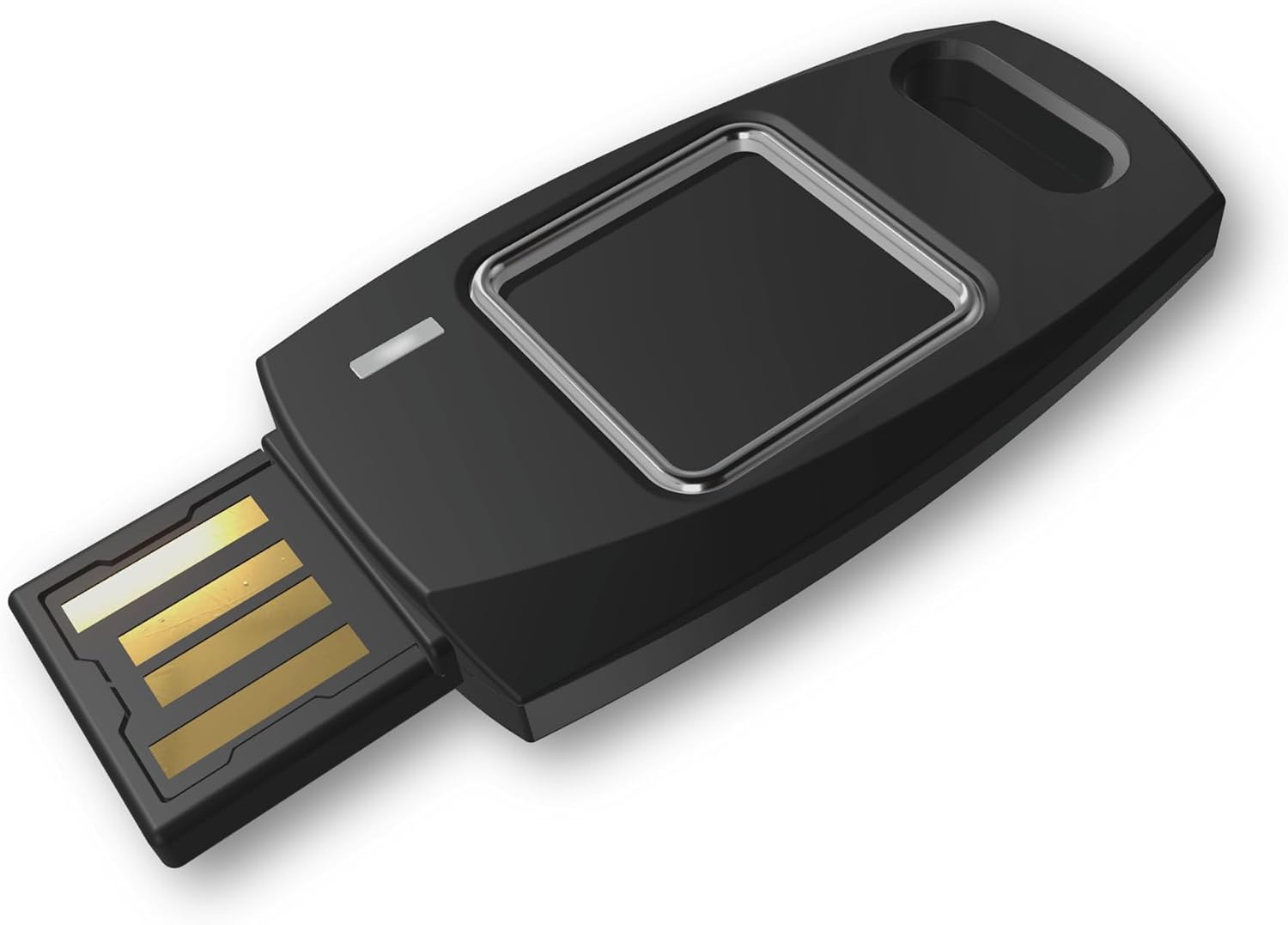
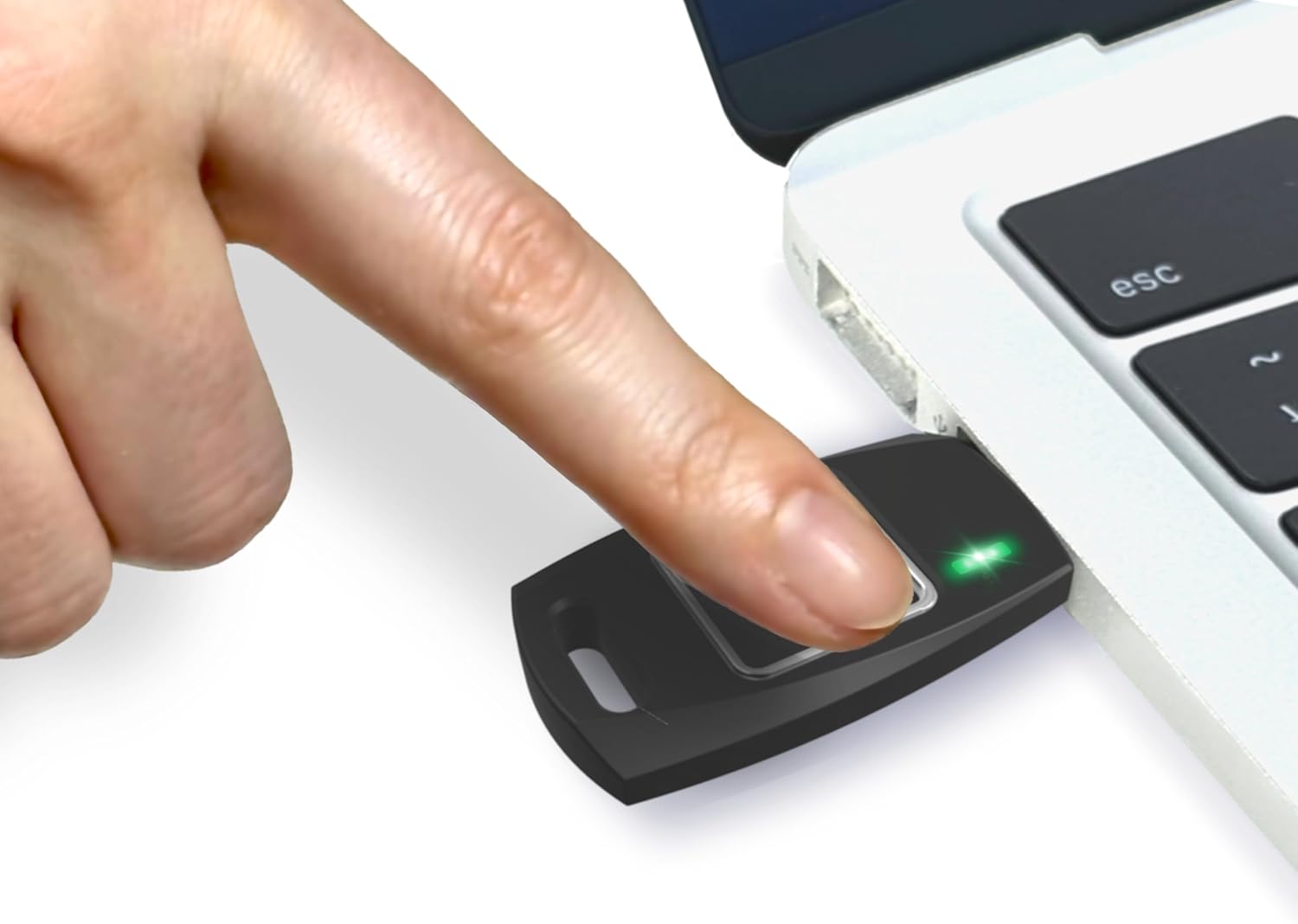
Fits USB-A port : Once the fingerprint registration is completed, insert the B210H security key into the USB-A port of each service and log in conveniently with one touch
For the driver download and user guide, please visit TrustKey Solutions Home support page.
Technical details
Warranty & Support
Feedback
RELATED PRODUCTS
REVIEWS
Reviews
There are no reviews yet.