

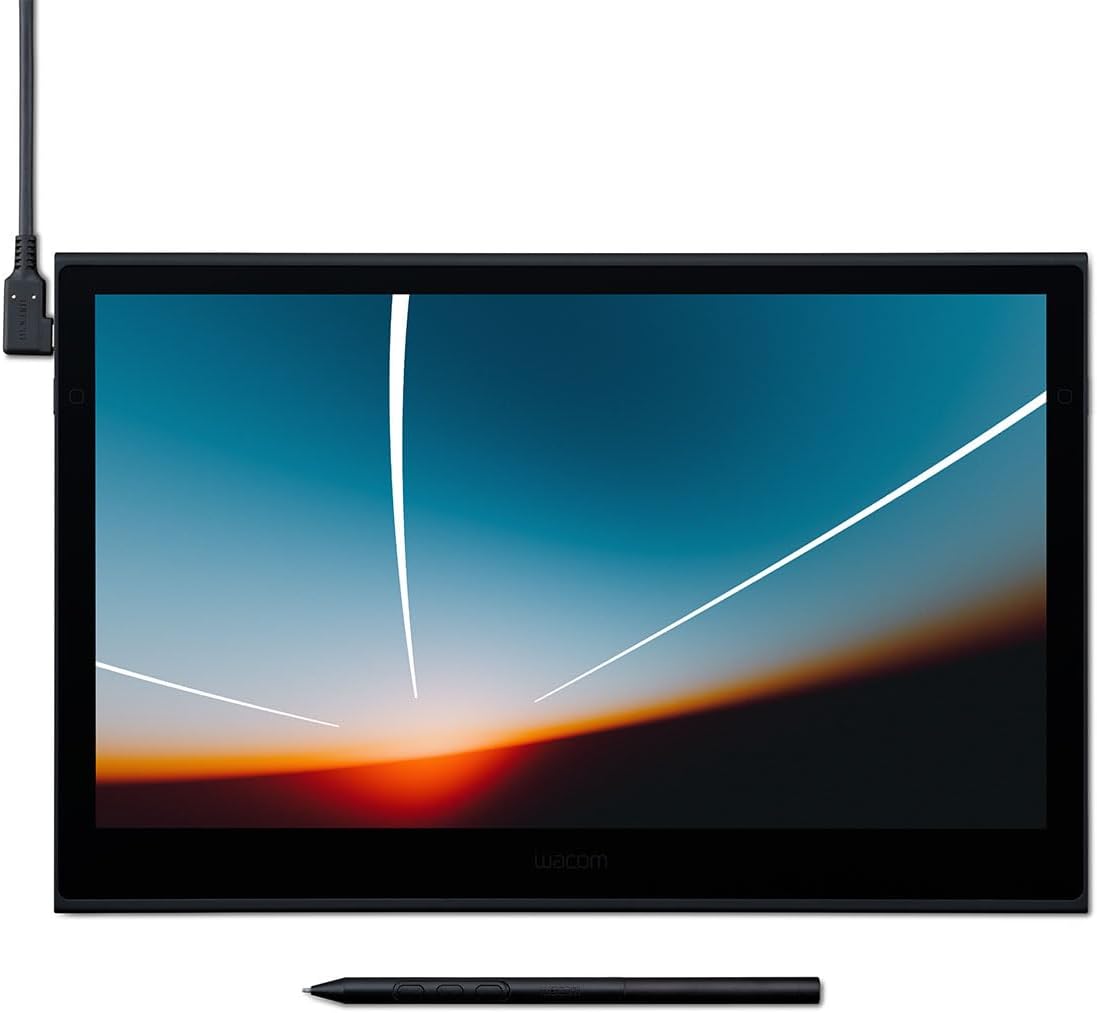
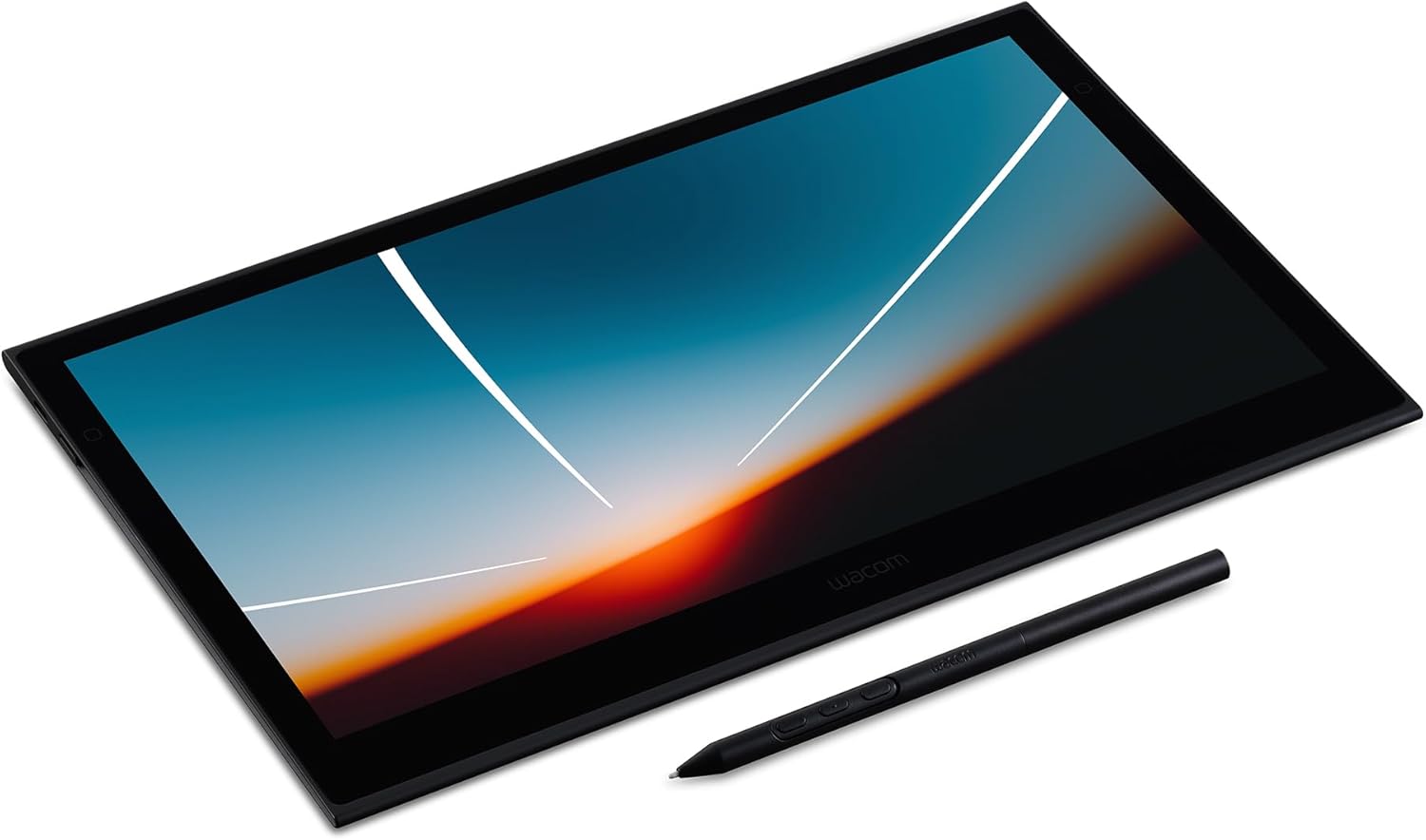

Wacom Movink Drawing Tablet with Screen, 13.3" OLED Touchscreen Portable Graphic Art Tablet w/Pro Pen 3, 10-bit Color Display for Mac, PC, Chromebook & Android
OVERVIEW
(as of Nov 19, 2025 17:12:02 UTC - Details)

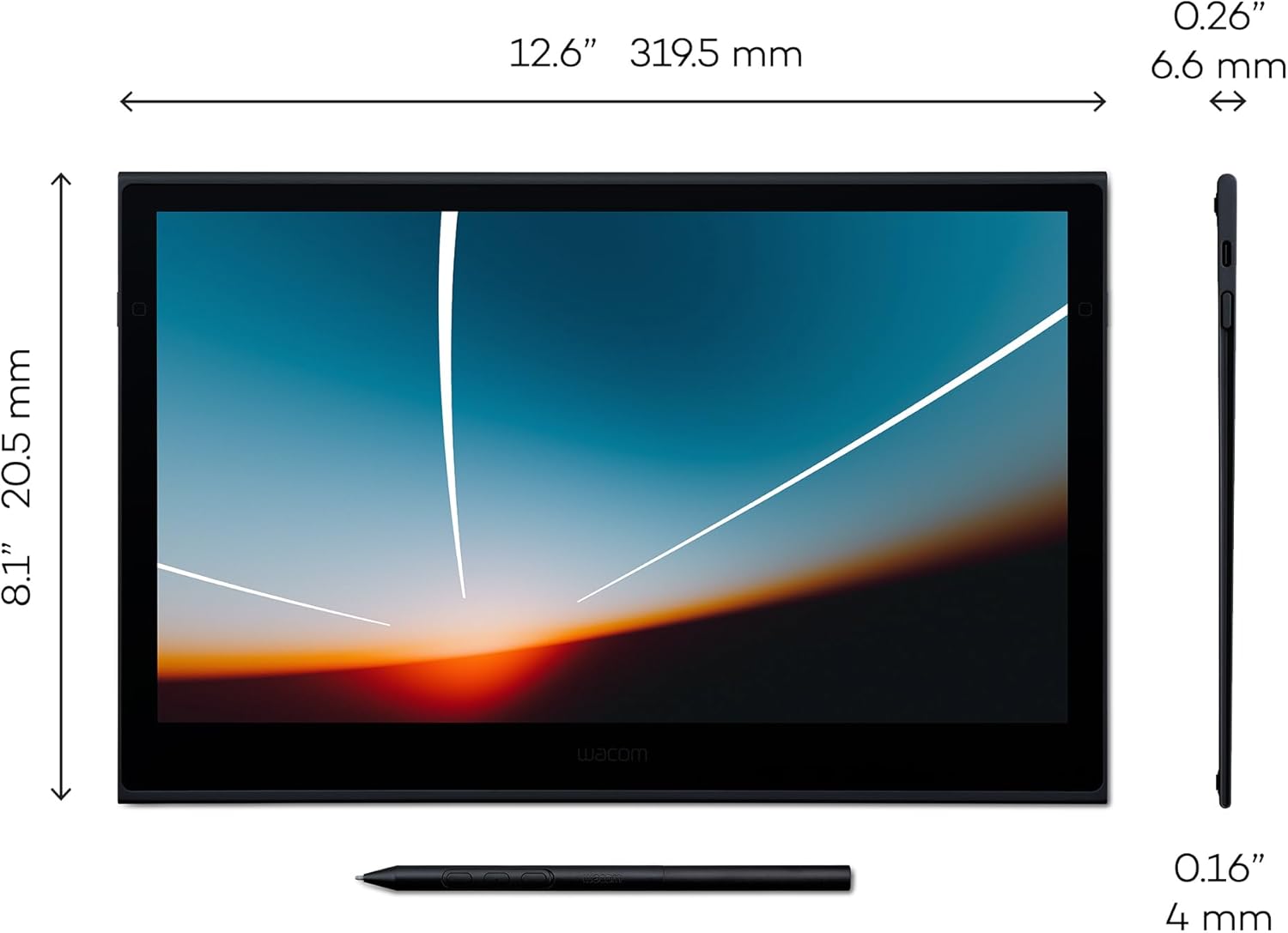
| Product Dimensions | 12.6 x 0.26 x 0.1 inches |
|---|---|
| Item Weight | 14.8 ounces |
| ASIN | B0CS135LT8 |
| Item model number | Movink 13 for Windows/Mac computers |
| Customer Reviews |
4.4 out of 5 stars |
| Best Sellers Rank |
|
| Date First Available | January 11, 2024 |
| Manufacturer | Wacom Technology Corporation |
Warranty & Support
Product description
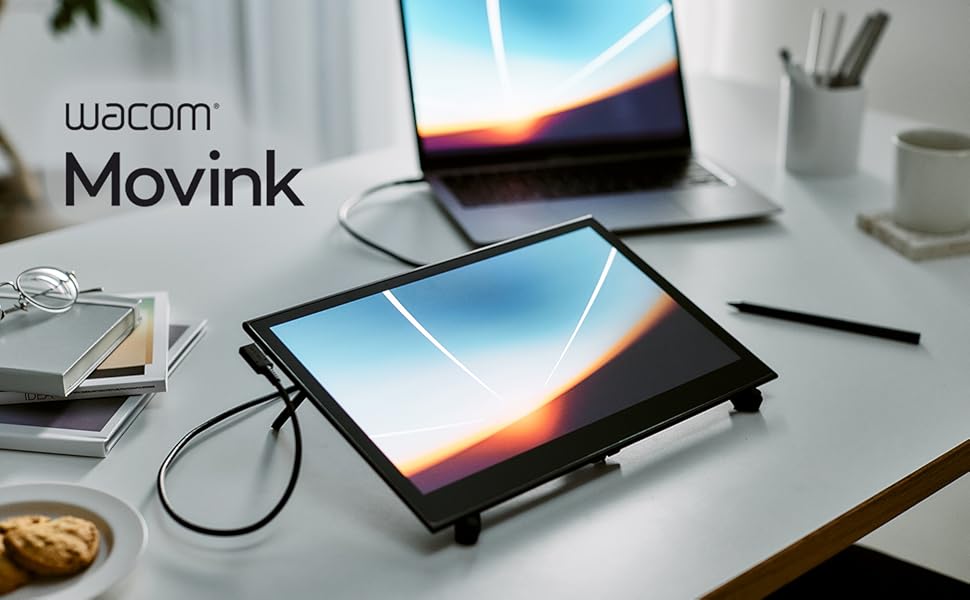
What if you could turn any place into your own studio? Like the café you stopped by after leaving an art exhibition, the client’s office, or the photoshoot you’re on. Something clicks, and you seize the moment, moving your pen across the screen before the idea gets away. With a tool that’s always ready to go, the world is your studio.
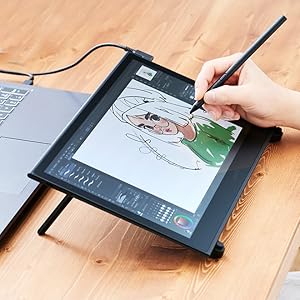
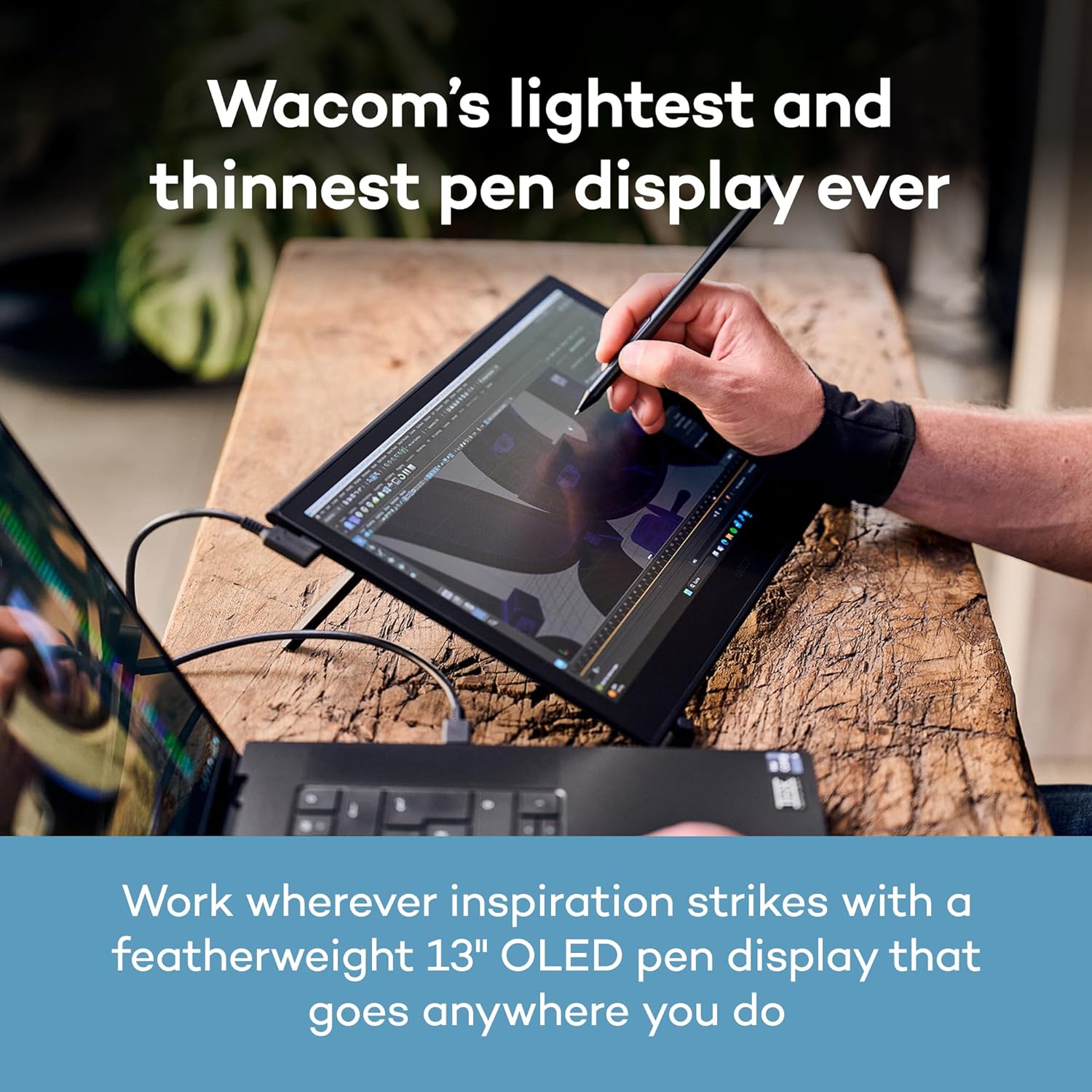
Wacom's lightest and thinnest pen display ever
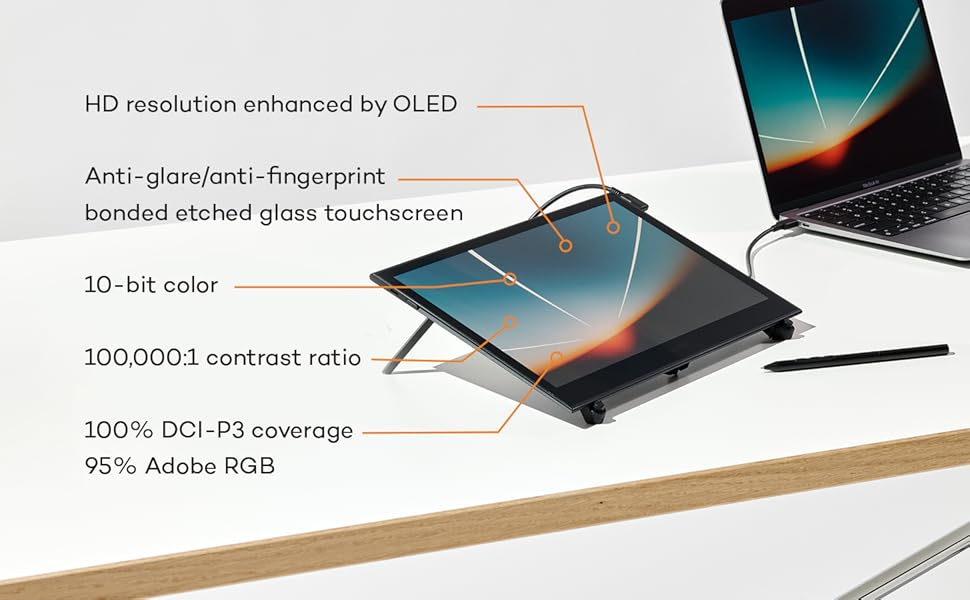
Compact, slim, and sturdy, this 13” OLED touchscreen display weighs under a pound and is incredibly thin. Wacom Movink 13’s magnesium alloy exterior is lightweight yet durable enough to carry in a bag, so you can bring it with you without adding bulk. Connect it to your computer, and you'll have the processing power you need for your professional work, in a graphics tablet that’s always ready to go.
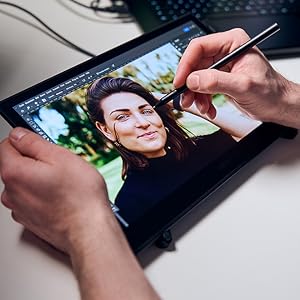
An exceptional drawing experience on a beautiful OLED display
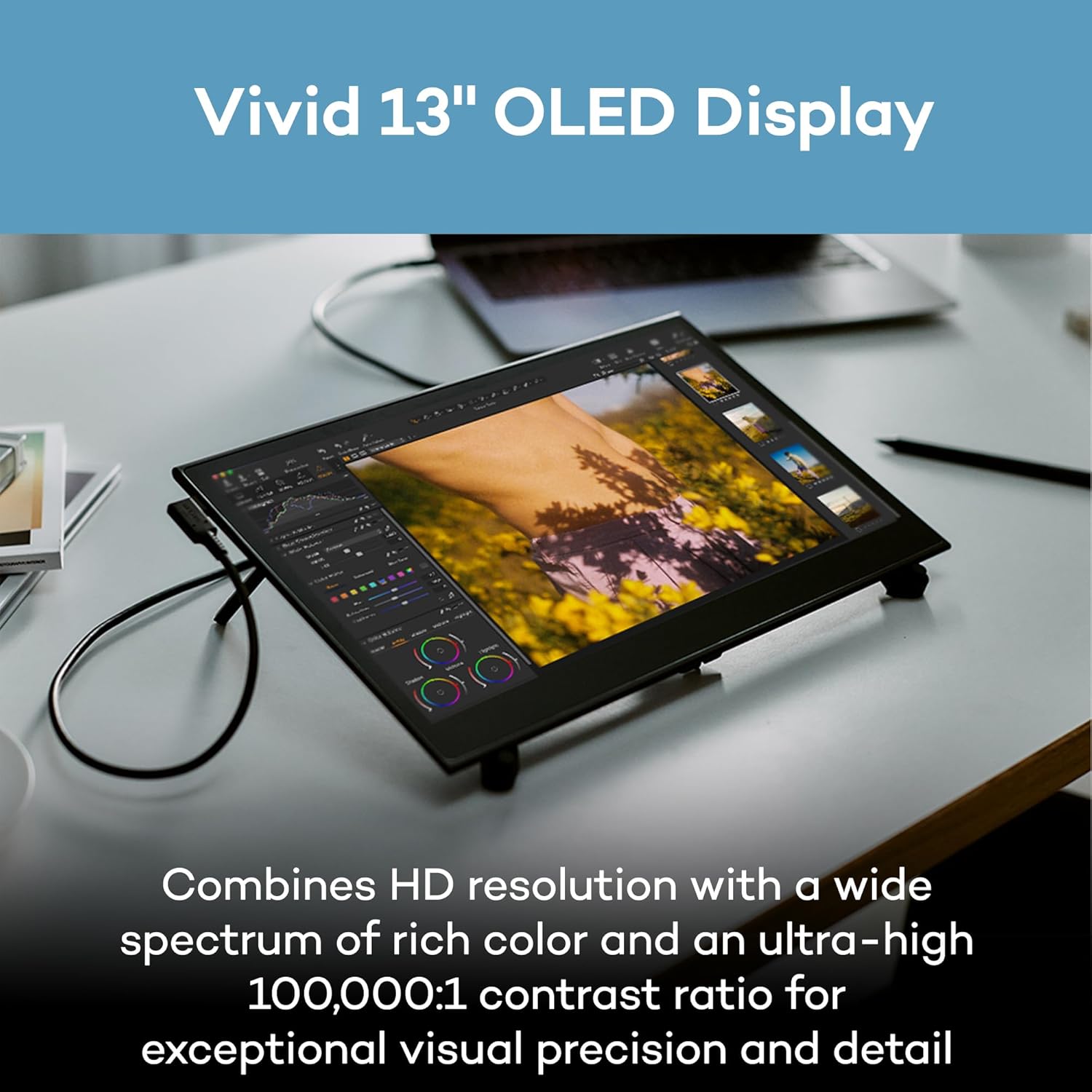
Work with confidence knowing your colors are accurate from screen to print. The Samsung 13” OLED display delivers 10-bit color (1.07 billion colors) with 100,000:1 contrast and full DCI-P3 coverage, while Pantone Validated and Pantone SkinTone Validated certification ensures what you see matches real-world output. Built-in presets for Adobe RGB, sRGB, DCI-P3, and more eliminate guesswork, and the sub-1ms response time keeps your pen strokes fluid and responsive.
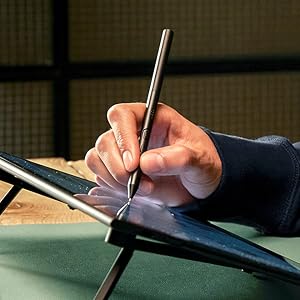
Gold-standard Pen Performance, Designed for the Move
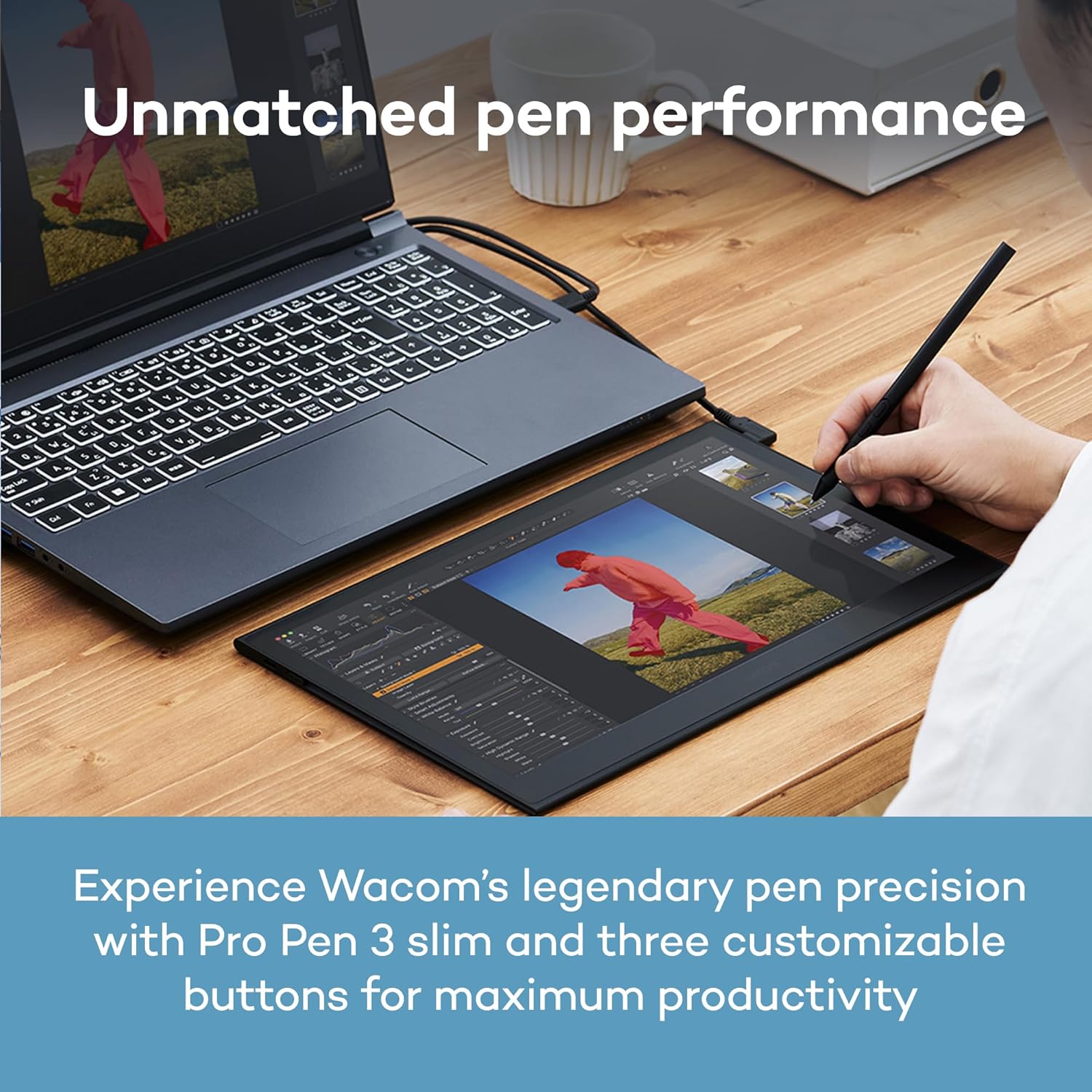
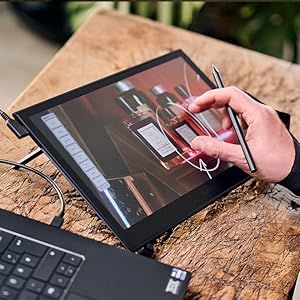
Movink 13 features the slim Pro Pen 3, representing 40 years of innovation in Wacom's most sensitive and accurate pen performance. This battery-free pen delivers 8,192 pressure levels, 3 programmable switches, and ±60-degree tilt support for unparalleled control. With 5080 LPI resolution, 10mm reading height, and 240 RPS report rate, it tracks every stroke with precision - ideal for detailed illustration, photo retouching, and complex design. Replacement nibs are housed in the back end, ensuring you have the tools you need wherever you create.
Work Faster with Intuitive Controls
Navigate naturally with 10-point multi-touch support that lets you pan, zoom, and rotate with familiar gestures while keeping your pen in hand. Customize your workflow with physical ExpressKeys on the tablet sides and virtual touch keys that appear on-screen when you need them. Assign your favorite shortcuts to streamline repetitive tasks and use on-screen Radial Menus and Grid Panels for quick access to tools. Every control is designed to keep you in your creative flow without needing to reach for the keyboard.
Simple Connection, Any Computer
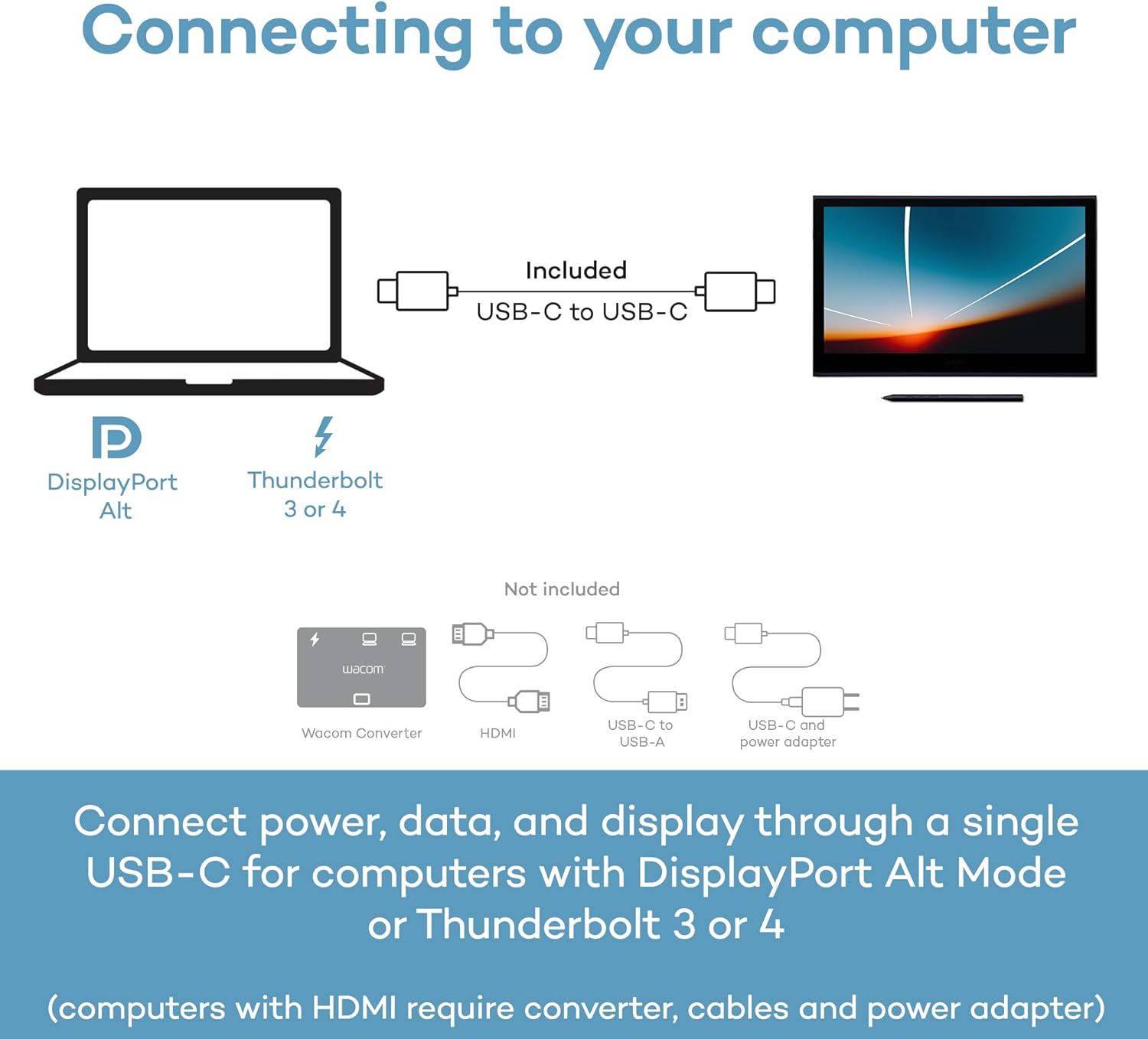
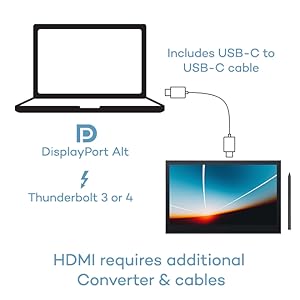
Wacom Movink connects to Windows, Mac, or Chromebook with a single USB-C cable that delivers power, video, and pen data - no clutter, no hassle. Most modern laptops with USB-C (Thunderbolt 3/4 or DisplayPort Alt Mode) work right out of the box with the included cable. We included only the most universally compatible USB-C cable to help reduce e-waste - since most users won’t need anything else to start creating. For HDMI connections, the Wacom Converter (ACK45219Z) is required, along with HDMI and USB cables and a power adapter.
Accessories Designed for Portability
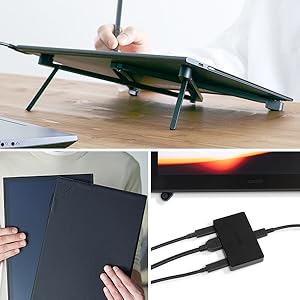
Enhance your mobile workflow with accessories built for life on the go. The ultra-portable Wacom Foldable Stand folds flat for travel and props Movink at a comfortable working angle. The Movink Tablet Sleeve provides slim, protective portability that fits easily in any bag. Need to connect via HDMI? The Wacom Converter adapter ensures compatibility with computers that don't have USB-C with DisplayPort Alt Mode, so you can use your Movink 13 on any system.
Price
$749.95$749.95 $449.95$449.95 $899.95$899.95
Who will love it?
Pro-level artists, photographers & designers who need a portable pen display for Mac or PC with exceptional color accuracy. Students, aspiring artists and note-takers who want an affordable all-in-one drawing tablet that's designed around the best digital pen experience. Professional creators and serious artists who demand the best standalone tablet experience with premium display quality and pro-level performance.
Does it need a computer?
Yes. Connects to Mac/PC via USB-C. Not a standalone device – it requires computer to function. No computer needed! Standalone Android 14 tablet with built-in creative apps. Draw anywhere independently. No computer needed! Standalone Android 15 tablet with full creative capabilities. Bonus: also works as a wireless pen display when connected to PC/Mac.
What's the resolution?
13.3" Full HD OLED display with 1920×1080 resolution and 100% DCI-P3 wide color gamut for vivid colors. 11" LCD display with 2200×1440 resolution (2K) for crisp, detailed artwork and note-taking. 14" OLED display with 2880×1800 resolution (3K) and 100% DCI-P3 color gamut - the highest quality screen in the Movink lineup.
What's the processor?
Uses your computer's processor - performance depends on your Mac or PC. The Movink display itself has no internal OS. MediaTek processor with 8GB RAM delivers smooth drawing and multitasking for creative apps and note-taking. Qualcomm Snapdragon 8s Gen 3 processor with 12GB RAM - flagship mobile performance for demanding creative work and seamless multitasking.

Why Buy Wacom
When you choose Wacom Movink 13, you're getting more than a portable, pro-quality drawing display – you're tapping into over 40 years of pen technology trusted by creative professionals around the world. The Wacom Pro Pen 3 delivers unmatched pressure sensitivity, accuracy and natural feel that others can't replicate. Movink 13's OLED display brings your work to life with incredible color and contrast, while the lightweight magnesium alloy construction is built for durability and life on the go. With dedicated expert support and compatibility across multiple pen generations, Movink 13 delivers exceptional value for creative pros and students who want a portable, professional-quality display without compromise.
Thin, Lightweight Display: Wacom drawing tablet features OLED display, weighs less than 1 lb. and measures 4-6.6mm thick; Compact digital art tablet ideal for use on campus, in the studio, or at home
Remarkable Pen Performance: Exclusively designed for the Movink drawing tablet, the included Pro Pen 3 has extra nibs stored in the back end, features 8k pressure sensitivity and three side switches
Vibrant Color: ChromeOS, Android, macOS and Windows tablet features 10-bit color, contrast ratio of 100,000:1, and hardware presets for Adobe RGB, sRGB, DCI-P3 and Rec. 709, EBU, & Rec2020
Touchscreen & Shortcut Keys: Pantone verified graphic tablet provides easy navigation with touch gestures, on-screen shortcuts, and ExpressKeys, all customizable to streamline your creative workflow
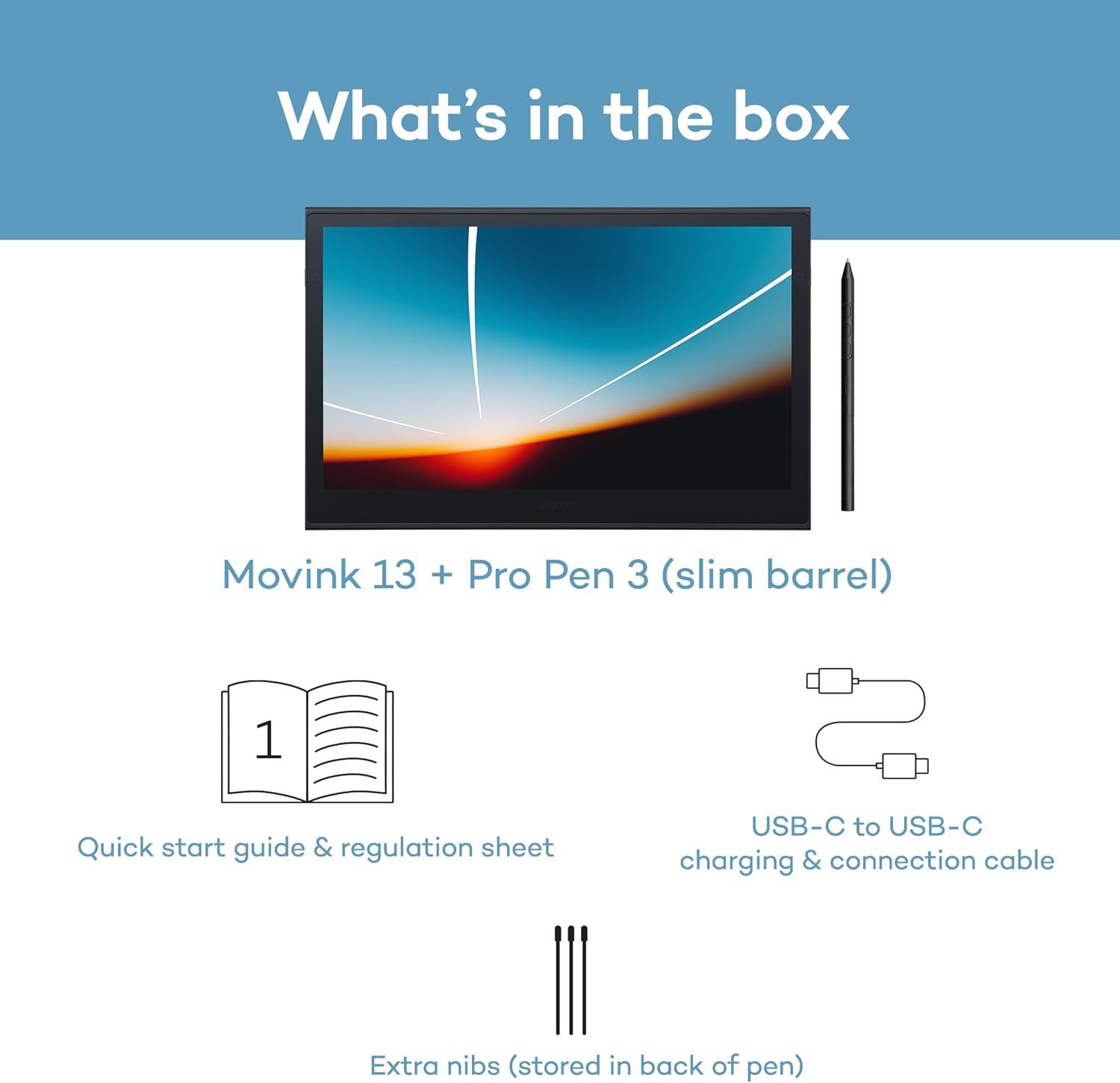
Includes: Movink 13 digital drawing pad, Pro Pen 3, USB-C cable for connectivity and charging (1m), Nib holder with 3 replacement Nibs (1 standard, 2 felt), Nib remover, quick start guide, and professional software trials
Customers say
Customers find the drawing tablet excellent for creating digital art, with a textured matte display that provides a perfect drawing feel. Moreover, the tablet is praised for its functionality, responsiveness, and portability, making it ideal for traveling artists. Additionally, the screen quality receives positive feedback, with one customer noting its sharp display and matte finish that reduces glare. However, opinions about the tablet's sturdiness are mixed, with some finding it solid while others describe it as fragile.
(as of Nov 19, 2025 17:12:02 UTC - Details)
RELATED PRODUCTS
REVIEWS
Reviews
There are no reviews yet.